TSX Data Flow is now part of Srcly. The analyzer moved into Srcly on October 24, 2026, and it is the Data flow mode of Srcly's Graph view. It also handles JavaScript, React, Solid, zustand, and Python now. New work happens in Srcly, not in the standalone CLI.
TSX Data Flow is a CLI analyzer for finding high-leverage cleanup work in TypeScript and TSX UI code. It traces values from source expressions to JSX render sinks, then turns the graph into ranked work packets for prop relay, fan-out and fan-in pressure, repeated object wrapping, broad prop bundles, and defensive checks that TypeScript already proves unnecessary.
- In Srcly: run
uvx srcly, open Graph, choose Data flow, and pick a route, file, or function as the anchor - Old CLI:
npx tsx-data-flow --help - Source: byronwall/tsx-data-flow
Interface
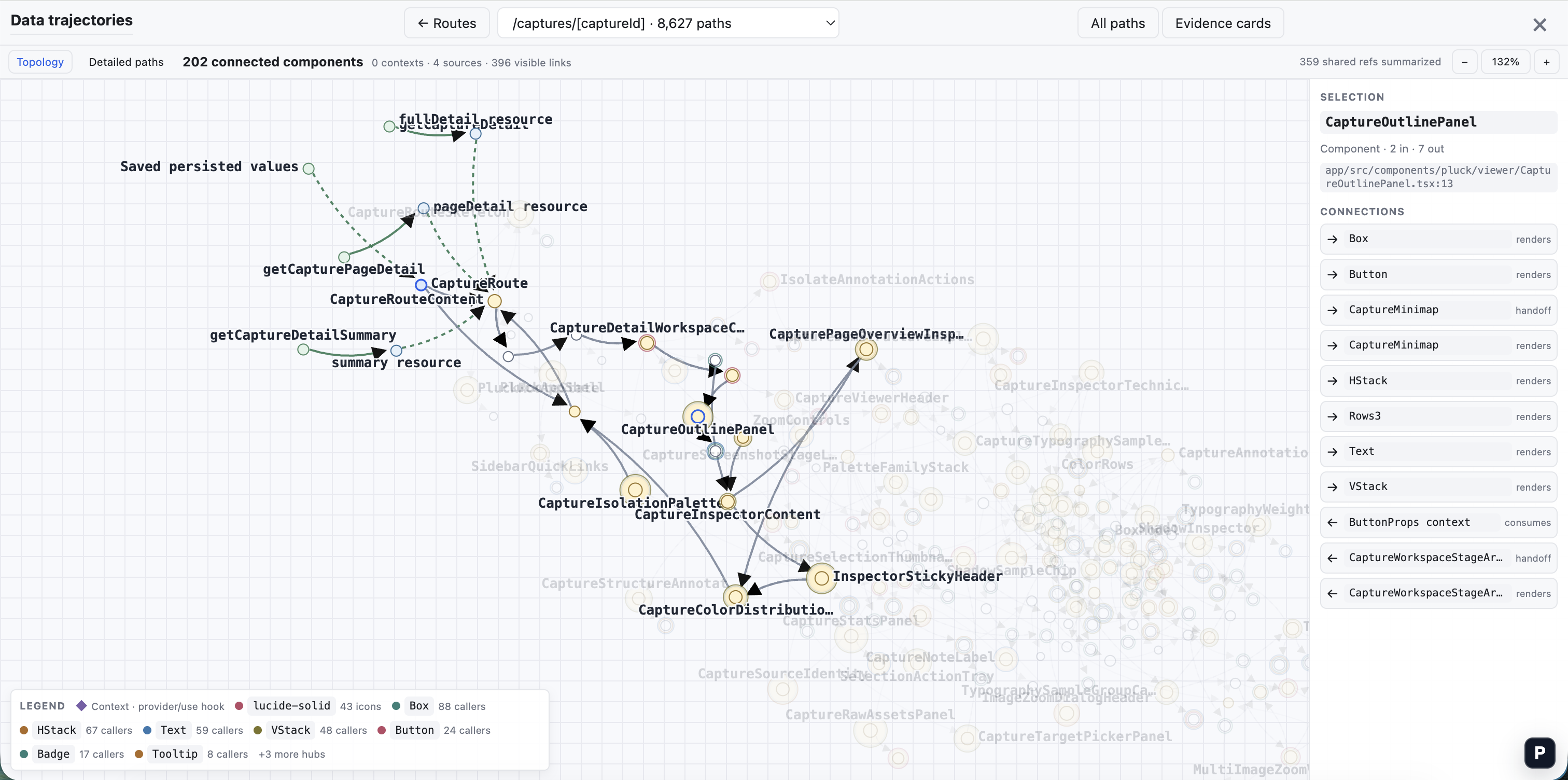
This is the Data flow graph in Srcly, tracing the Visual Notes /collections/[id] route forward from CollectionRoute. Boxes are grouped by function, and the inspector says the trace is partial and lists exactly where it stops.
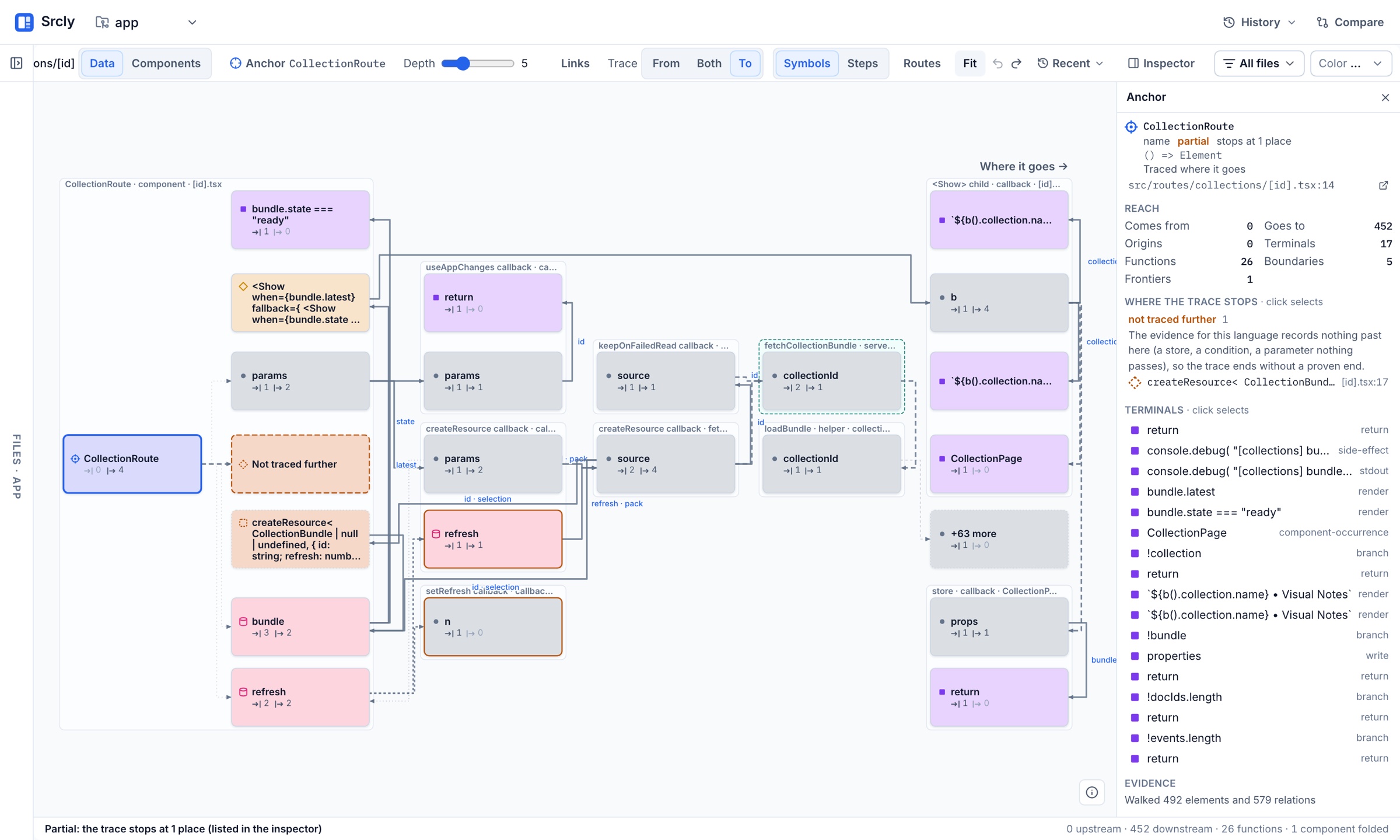
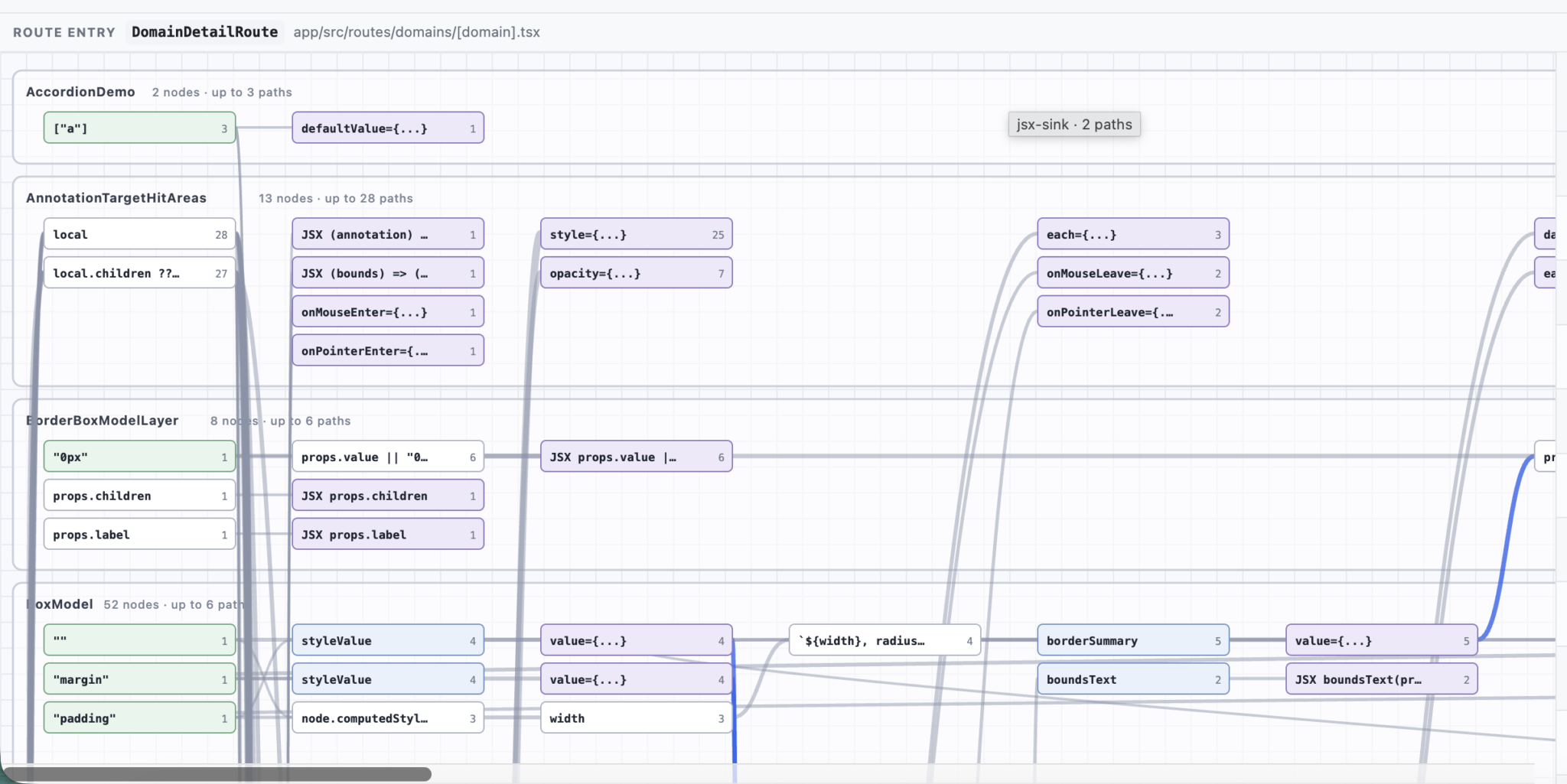
Every trace states its outcome: proven, assumed, partial, stale, unsupported, stopped at budget, or not analyzed. Each one also lists where the trace stops and which library steps it assumed, so the graph does not claim more than the evidence shows.
How it works
The analyzer uses the TypeScript compiler API directly, so it can combine syntax tracing with type information from the target project:
- Builds a typed graph from source values, aliases, object packs, helper calls, fallbacks, conditionals, Solid accessors, and JSX render sinks.
- Follows first-party helper calls across module boundaries while treating hook and context accessors as intentional feature boundaries.
- Scores each render path by depth, representation churn, defensive operations, impossible defenses, relay pressure, and downstream sink count.
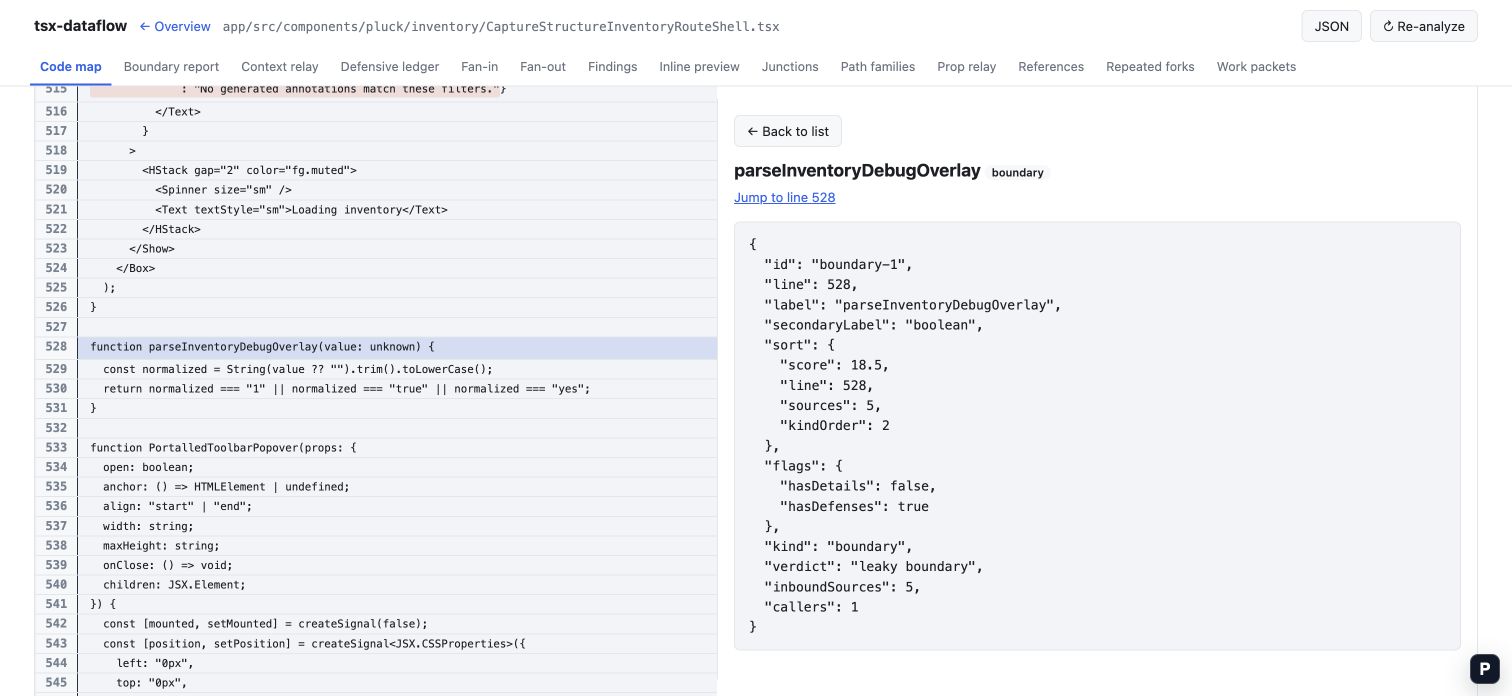
- Projects the same graph into focused reports such as work packets, findings, prop relay, fan-out, fan-in, defensive ledger, repair map, path gallery, hotspots, and JSON dossier output.
Highlights
- One-command CLI for advisory render-path analysis
- Solid and SolidStart-aware sink and accessor handling
- Type-backed detection of unreachable nullish fallbacks and optional reads
- Ranked cleanup packets with representative paths, candidate edits, and risk queues
- Baseline comparison and regression mode for keeping architectural drift visible
- Installable agent skill for turning analyzer output into bounded refactoring work