ComicBam
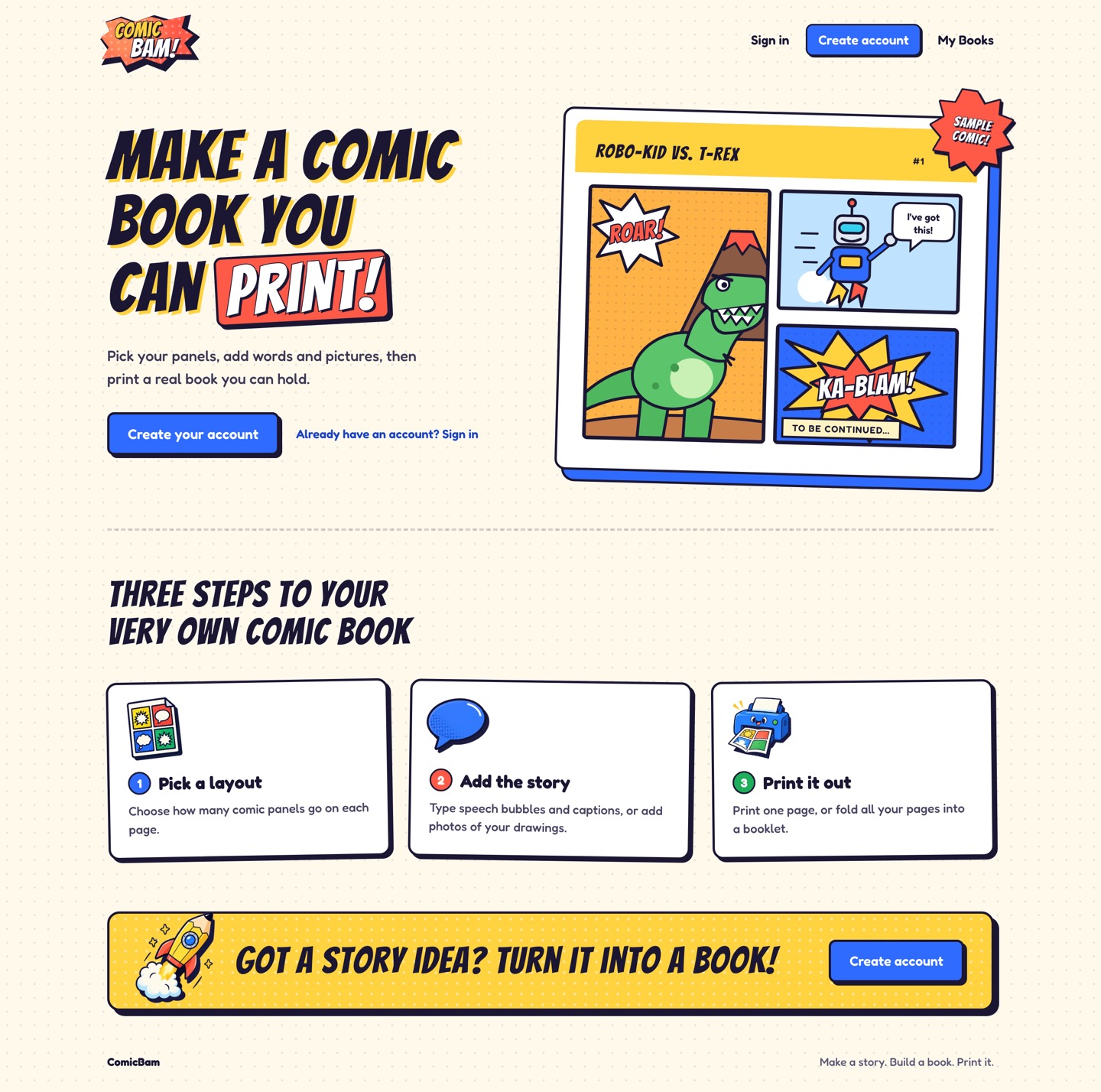
ComicBam (formerly Comic Book Creator) is a SolidStart app for making printable comic books with kids. You pick panel layouts for each page, add speech bubbles, captions, and sound effects, or photograph pages that were drawn by hand. Then you print a single page or the whole book as a folded booklet.
Site: comicbam.com · Source: byronwall/comic-book-creator
Interface
How it works
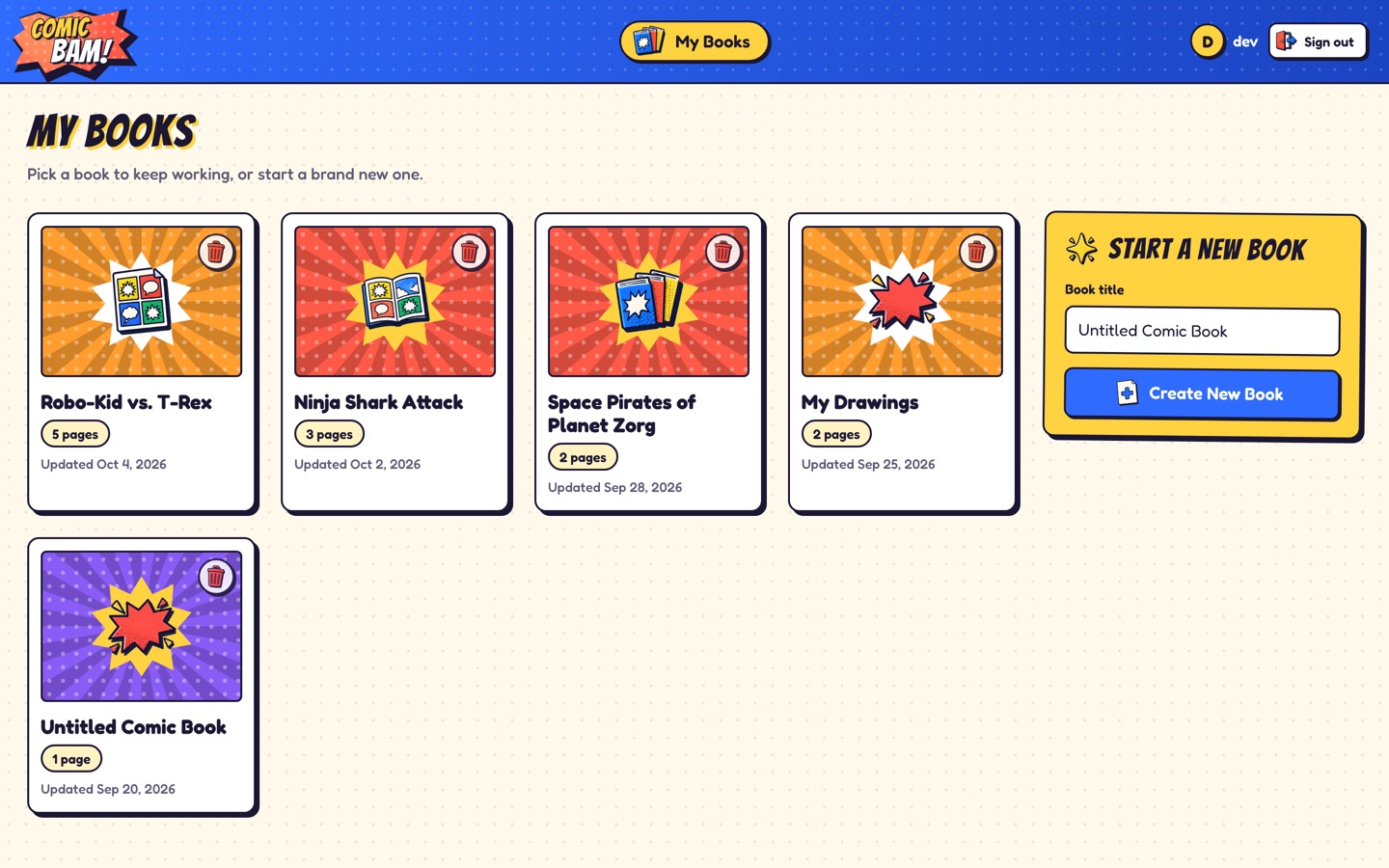
The workflow is direct: make an account, create a book, add pages, pick layouts, place words or photos, and print. Edits autosave to JSON files on the server. If a save stops working, the editor keeps the draft visible so nothing is lost.
- Accounts:
- Each person gets a private library with a username and password. Images are served through private routes.
- Persistence:
- Books are JSON records on disk, with server-side normalization for older records and missing fields. Photos are stored next to their book.
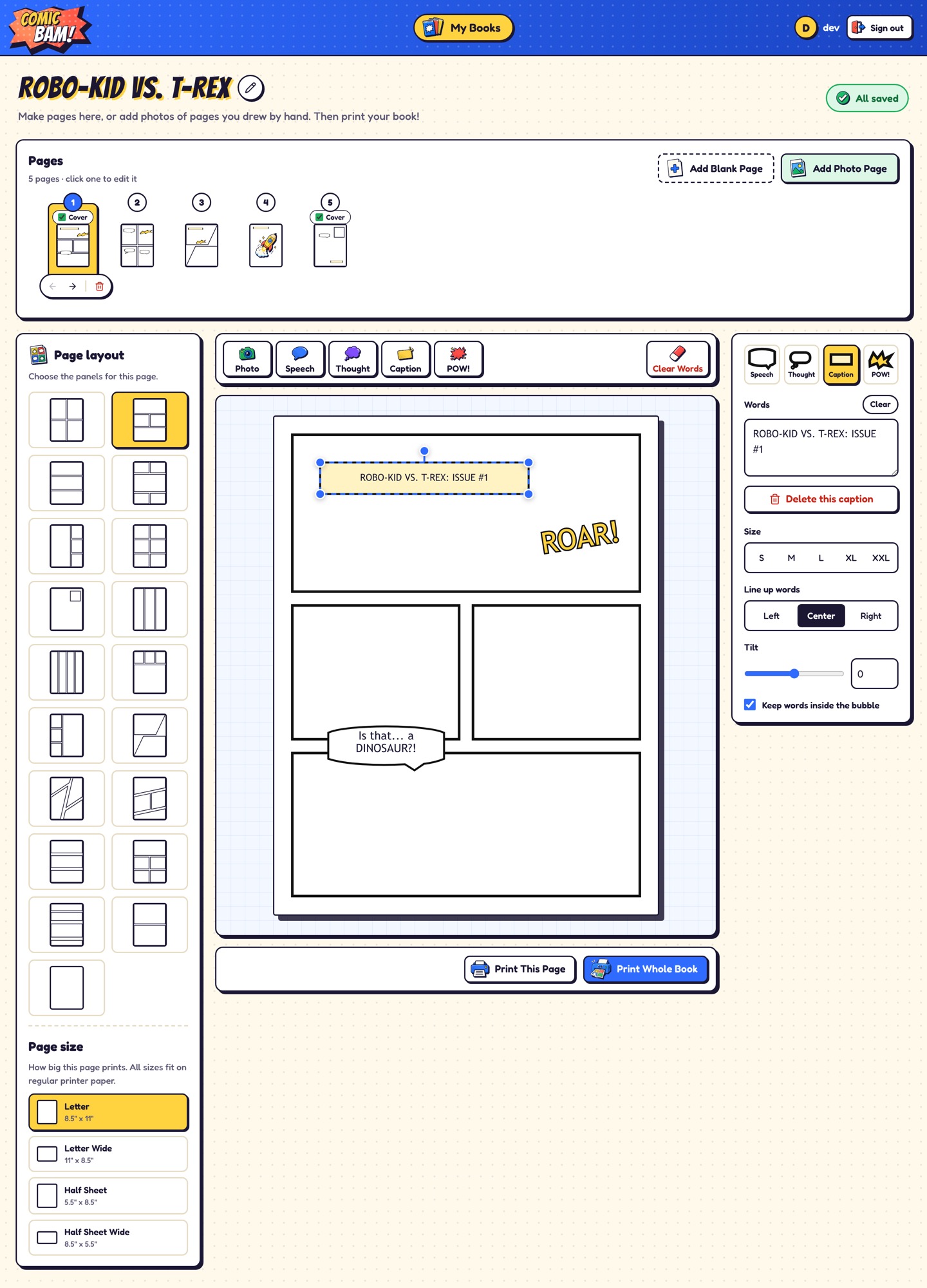
- Page design:
- Pages support letter and half-sheet paper sizes, in portrait or landscape.
- Layout templates include classic grids, splash pages, strips, reveal layouts, letterbox pages, webtoon-style stacks, and angled action panels.
- Words and photos:
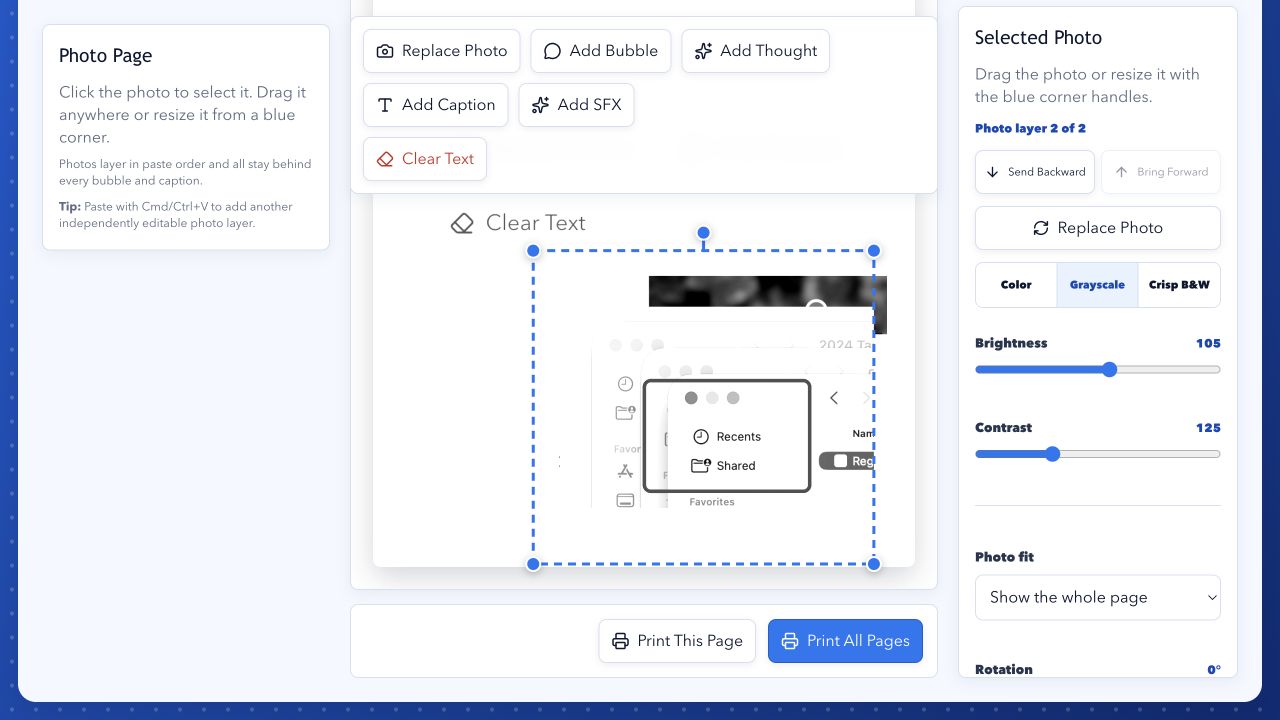
- Speech bubbles, thought bubbles, captions, and sound effects can be dragged, resized, tilted, and restyled.
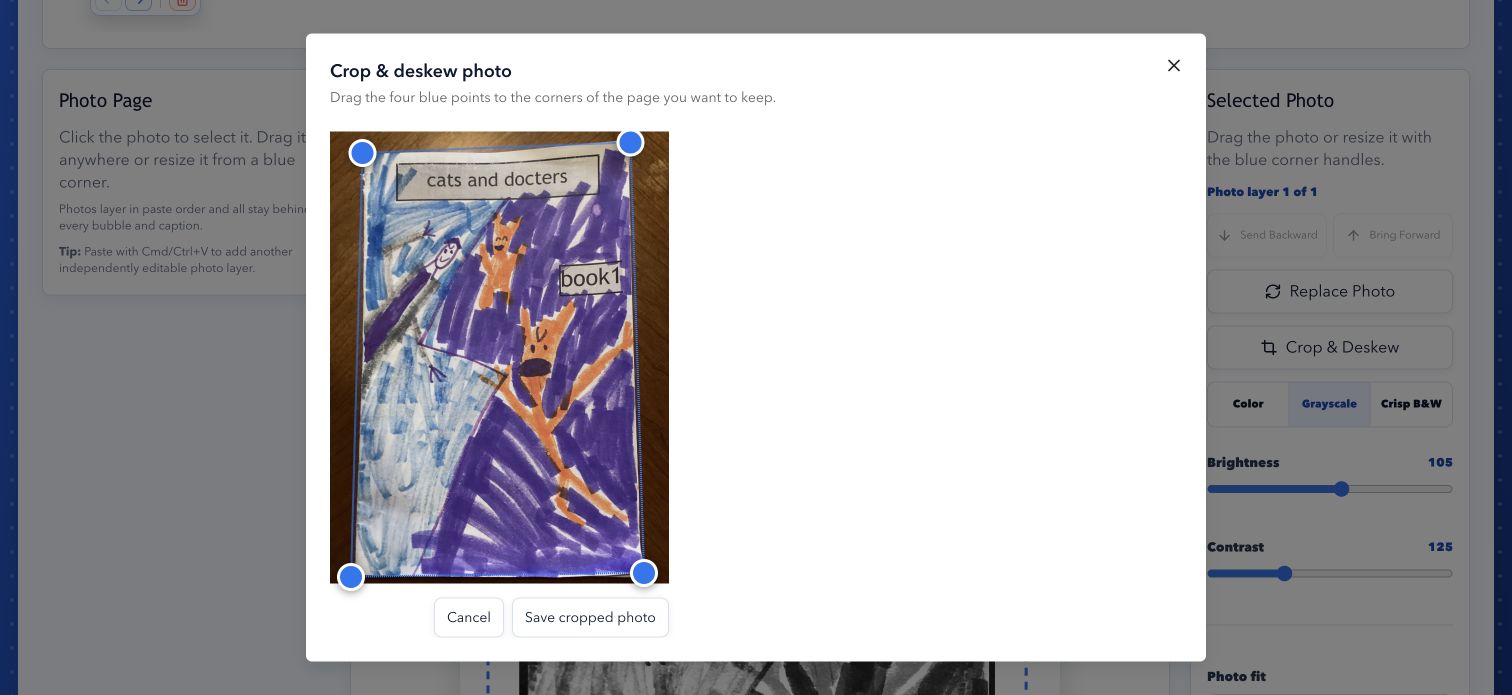
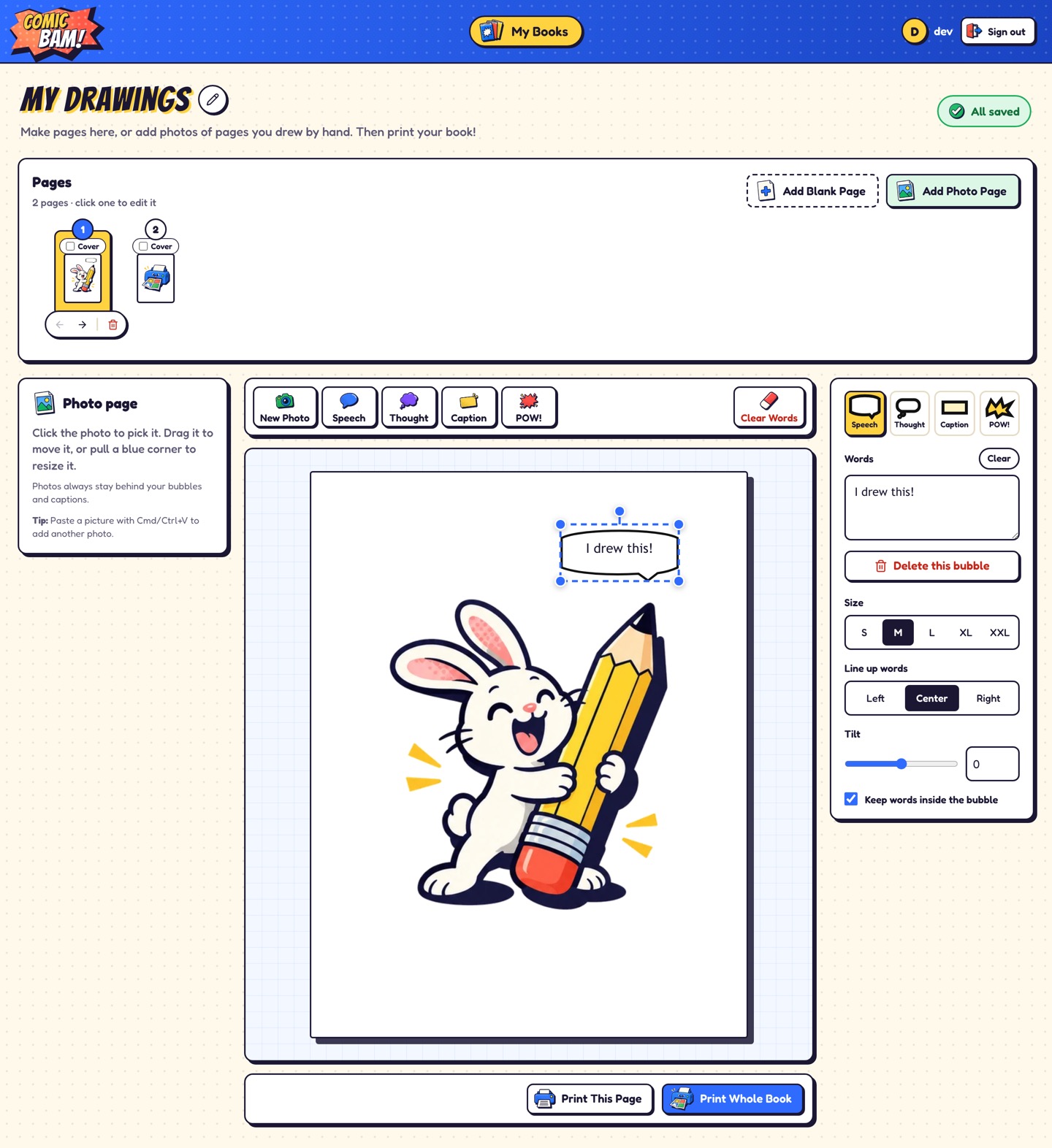
- Photo pages hold one or more image layers, with color, gray, and black-and-white print styles, plus a straighten-and-crop tool for photographed pages.
- Printing:
- Print the current page, or the whole book arranged as a folded booklet.
- Look and feel:
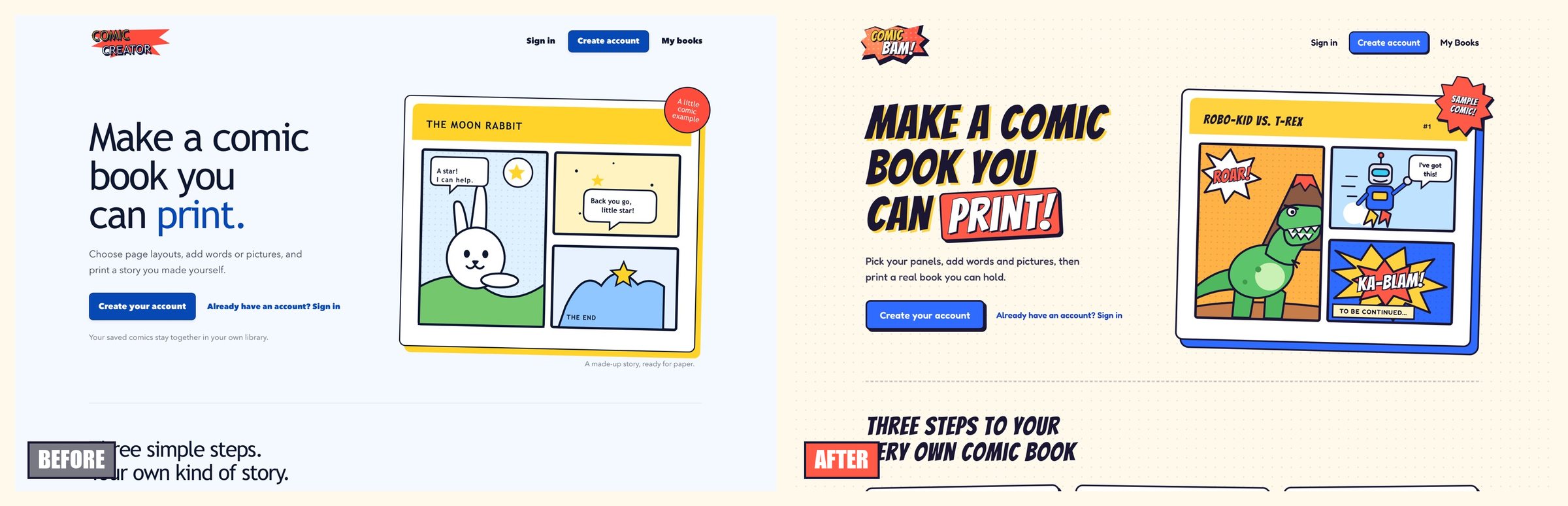
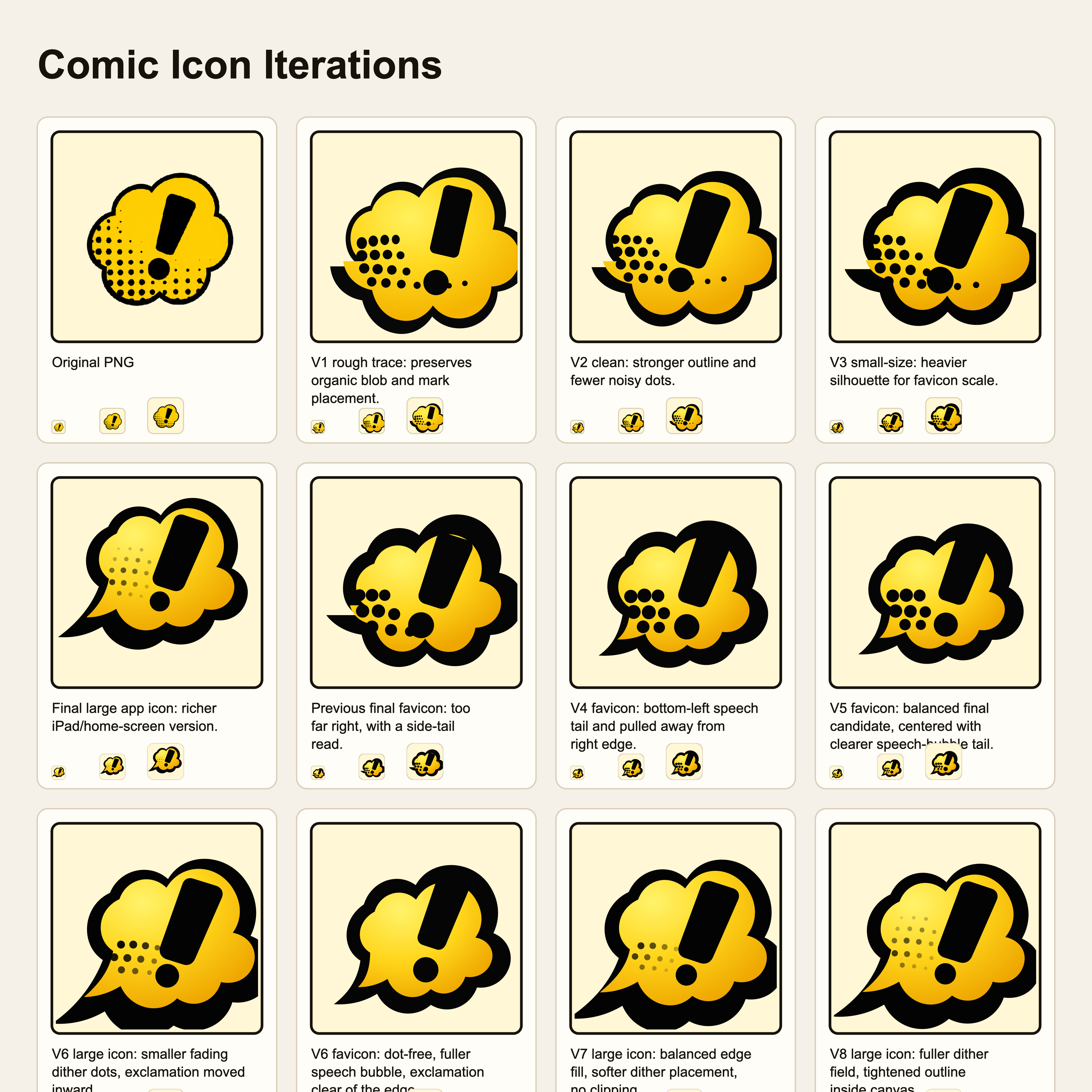
- A comic-pop theme with Fredoka and Bangers type, ink outlines, and sticker icons made with image generation. The copy is written for kids.
Highlights
- Library with colorful covers plus create, open, rename, and delete flows
- Page rail for selecting, adding, reordering, and deleting pages, and for marking covers
- Layout picker with live miniature previews
- One-row sticker toolbar: Photo, Speech, Thought, Caption, POW!
- Photo layers for reprinting hand-drawn comics
- Booklet printing that puts pages in the right order for folding
pnpm dev:demoopens a signed-in dev server with sample books, so every screen is easy to check