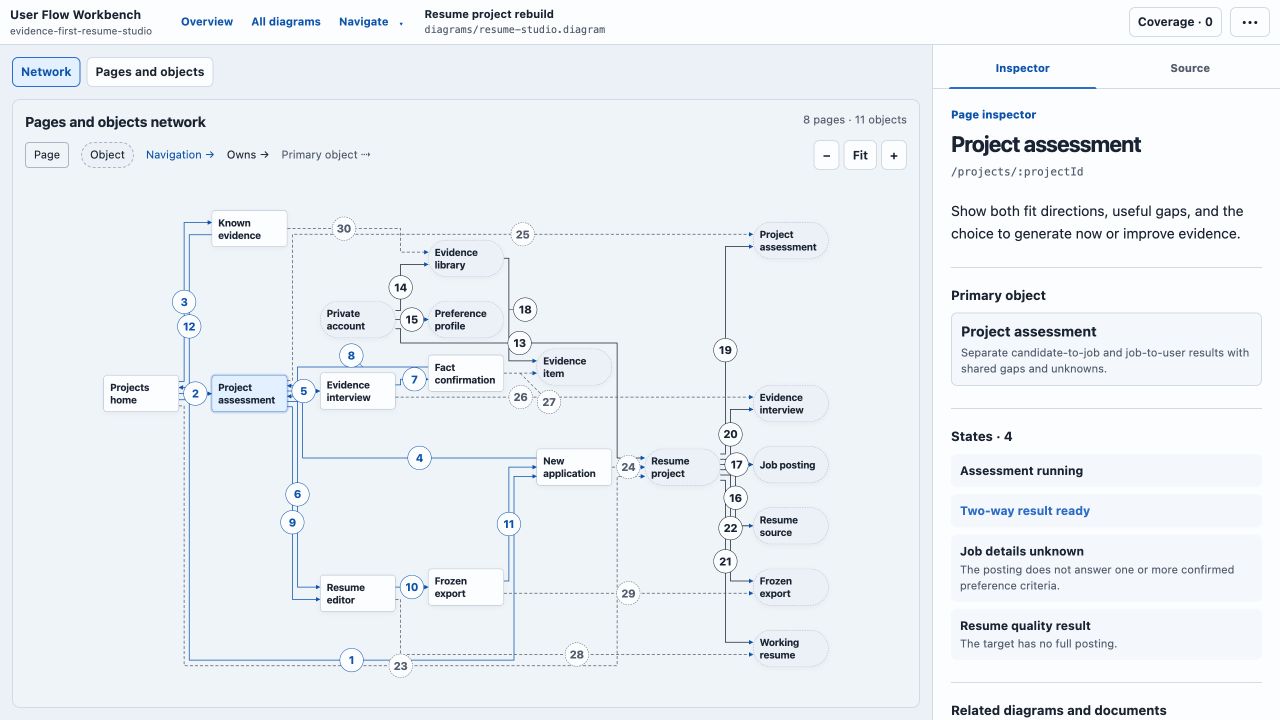
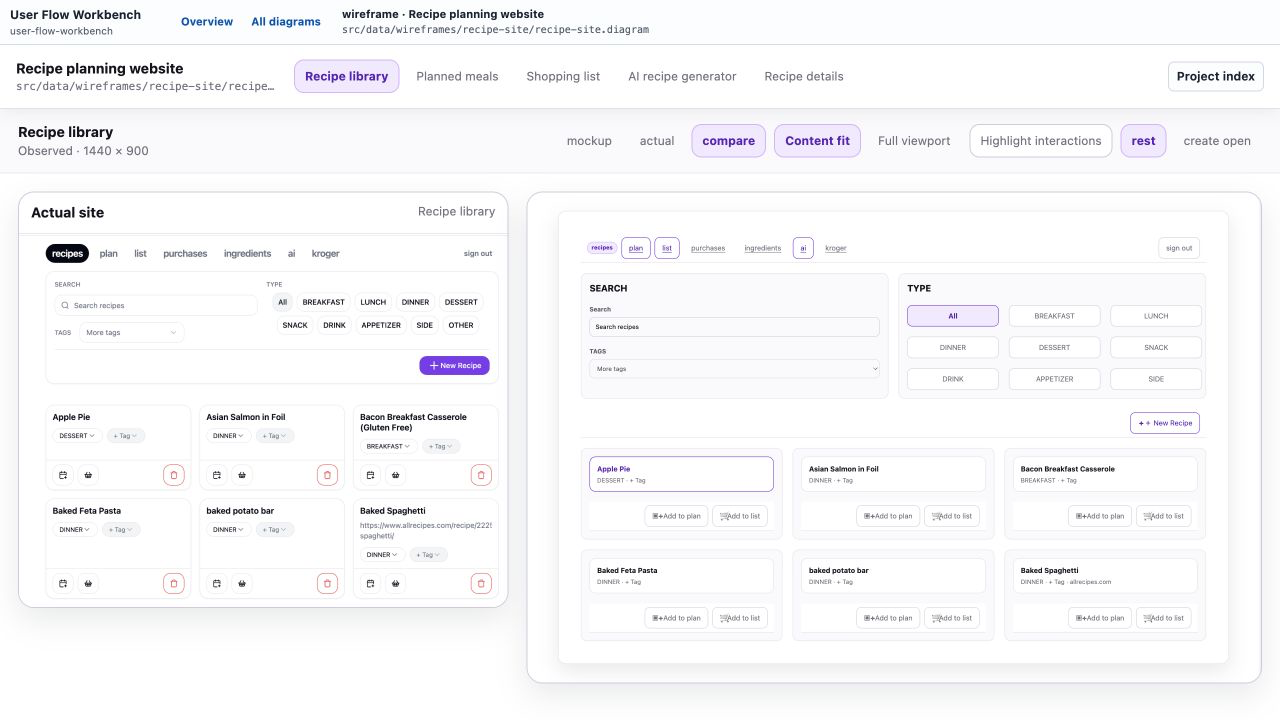
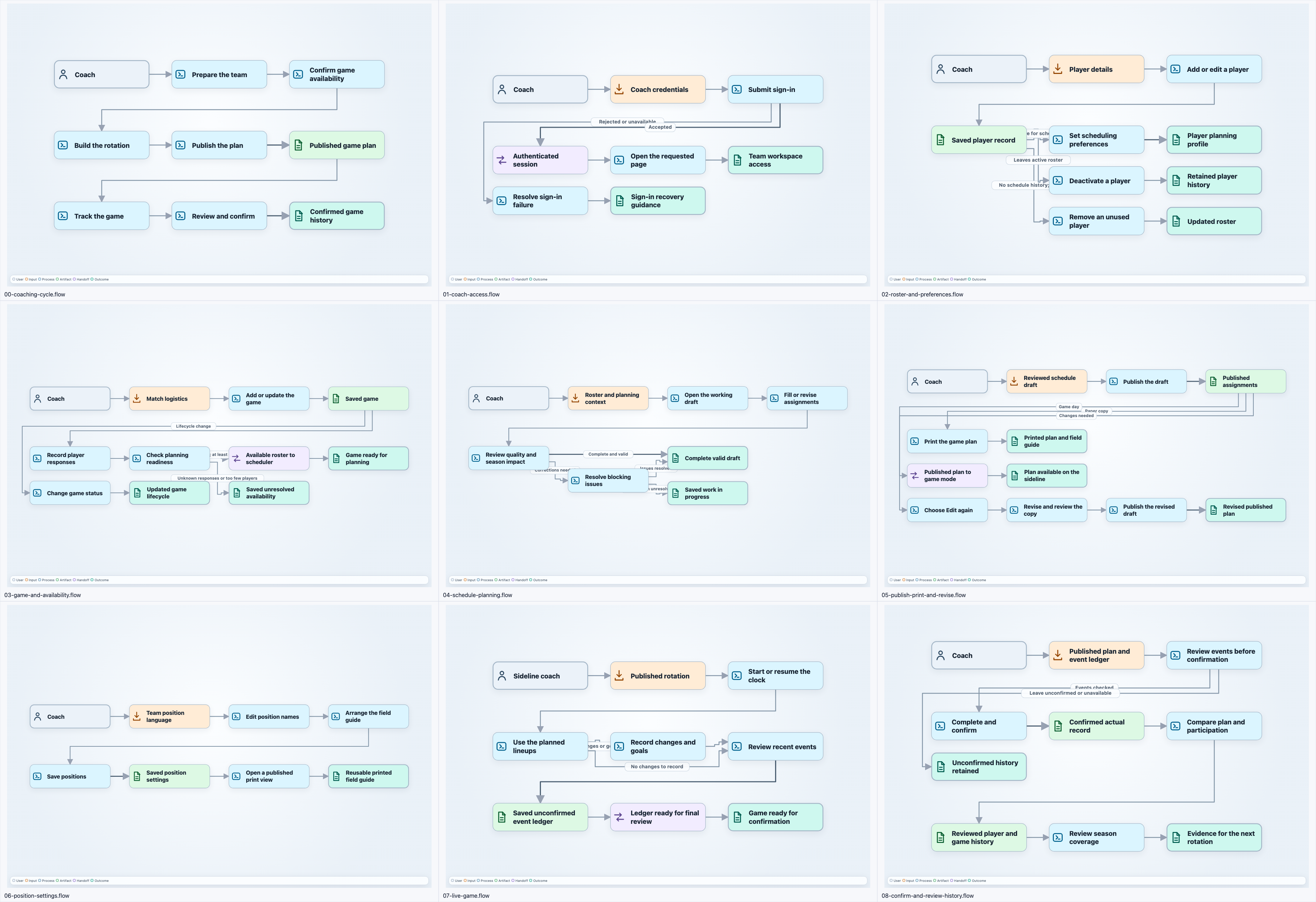
User Flow Workbench is a diagramming tool for describing how actors, inputs, processes, handoffs, and deliverables become an outcome. It keeps the underlying graph easy to inspect while giving the rendered canvas enough structure to stay readable.
- Source: byronwall/user-flow-workbench
- Related post: Building a flow tool that agents can edit
- Latest update: From a flow tool to an all-in-one diagram workbench
Interface
How it works
Each .diagram source declares one type: flow, overview, wireframe, or application. The workbench shares discovery, navigation, validation, and rendering while each type keeps its own semantic model.
Within a flow document, the project separates four concerns that diagram tools often collapse into one structure:
- A line-based Flow DSL stores semantic nodes, typed edges, and ordered variants.
- Optional layout hints suggest an initial structure without becoming required graph data.
- Optional positions preserve manual placement when exact coordinates matter.
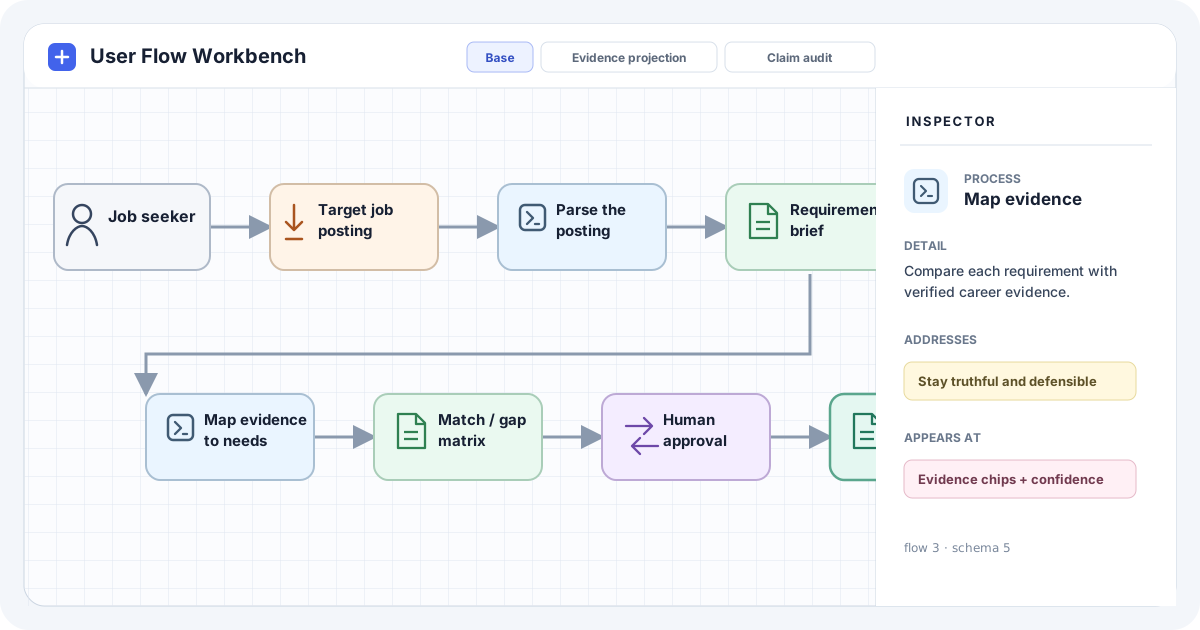
- A canvas projection shows the operational path while the inspector keeps needs and UX context available.
Variants apply ordered changes to one base graph. They can add, remove, or change nodes and edges without copying the complete document. The app materializes each variant and renders it as a separate tab.
Automatic layout uses ELK for placement. A local Manhattan router creates rectilinear routes around nodes. Manual movement remains available, and the app keeps a local fallback when ELK cannot load.
Highlights
- Compact Flow DSL designed for direct agent edits
- Typed operational and semantic relationships
- Base graph plus ordered variant operations
- Title-only canvas nodes with full inspector details
- Automatic layout, manual positioning, pan, zoom, and fit controls
- Rectilinear routes with separate lanes and obstacle avoidance
- Canonical formatting and semantic checks for
.diagramfiles - Capability overviews, evidence-backed wireframes, and application maps
- SolidStart, SolidJS, and TypeScript application