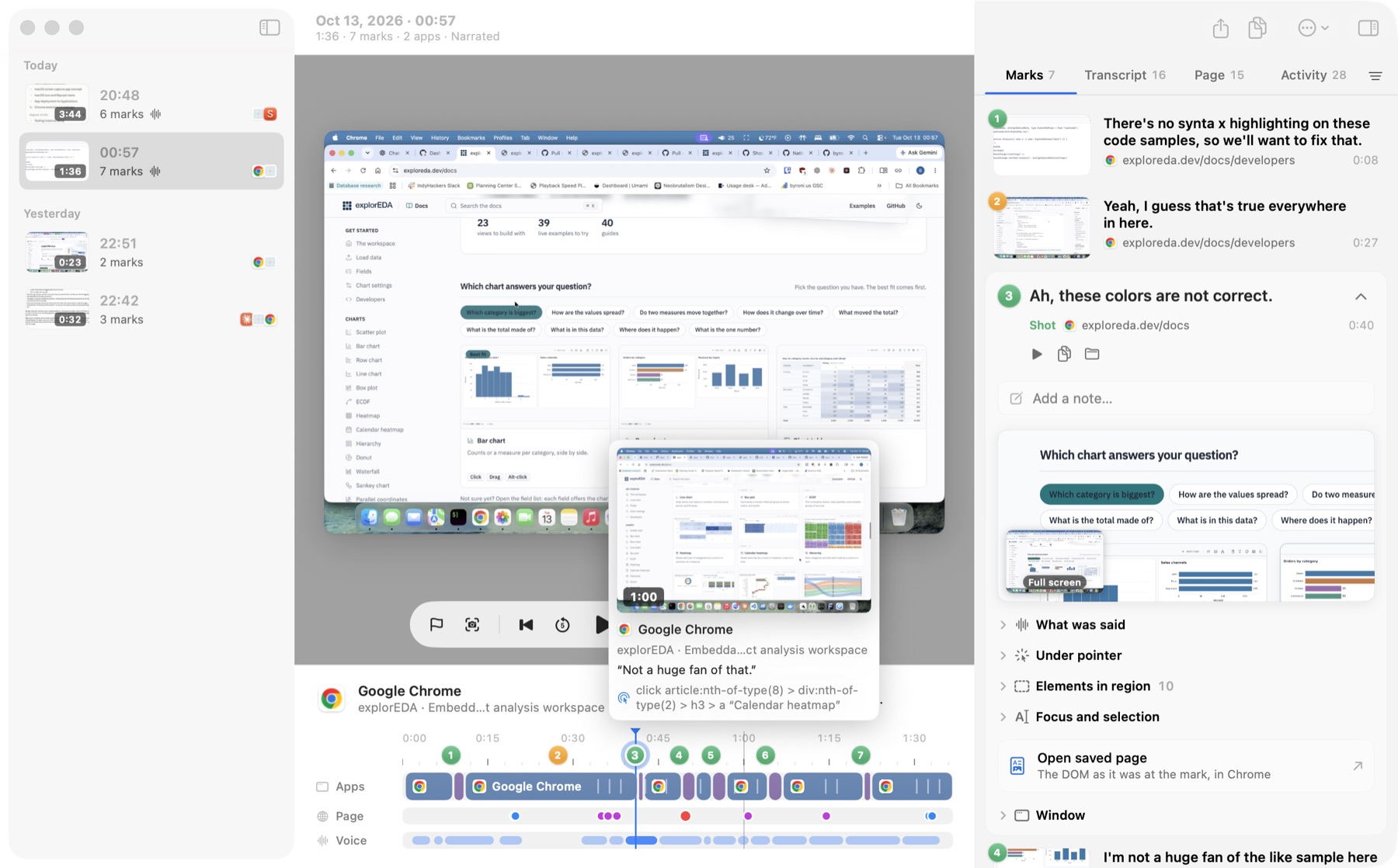
Context Recorder is a macOS app for reviewing my own apps out loud. It records the screen and narration while I work. A hotkey marks a moment or captures a region, and afterward each mark comes back with its frame, the app and URL, page events from Chrome, and what I said around it. Sessions export as Markdown or straight into Product Grid.
- Source: byronwall/context-recorder
- Posts: Marking bugs while I talk through an app · Turning a screen recording into a canvas
Interface
How it works
- Capture: records the main display and microphone, and logs the active app, window and Chrome tab as they change. Marks and region shots save context immediately and pull frames from the video afterward.
- Chrome extension: logs clicks, navigation, console errors and failed requests without any change to the app under review. Marks made in Chrome add the element under the pointer, source locations from dev builds, and a saved copy of the page.
- Processing: local transcription with Parakeet, then per-mark Markdown with the surrounding narration, one
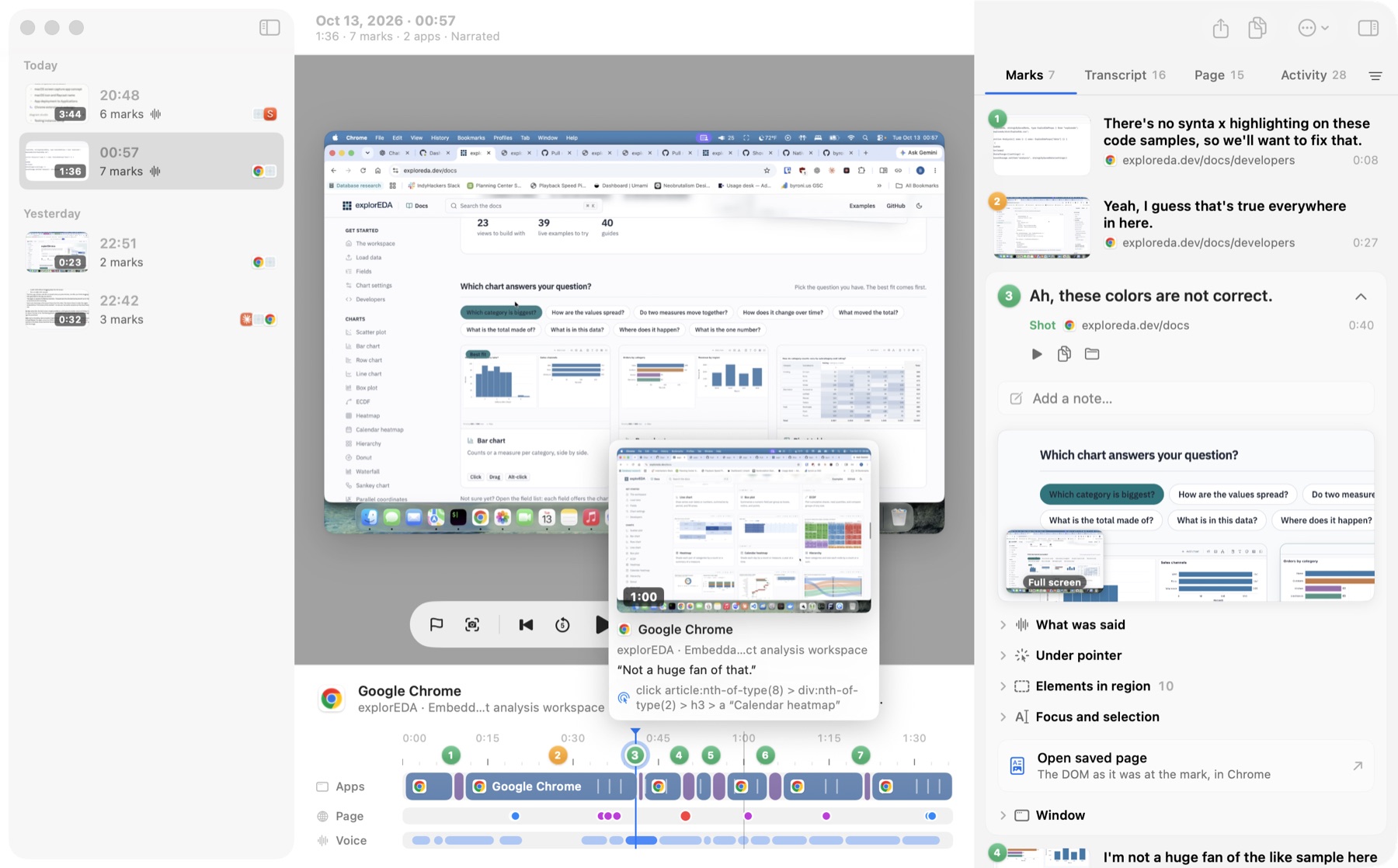
session.json, and a portableviewer.html. - Sessions window: the video, a timeline with app, page and voice lanes, and an inspector for marks, transcript, page events and activity.
Highlights
- Add marks and region shots while reviewing, draw on shots, cut ranges, and join sessions. The original recording is never changed.
- Export to Product Grid, one node per mark. Re-exporting keeps edits made in the grid.
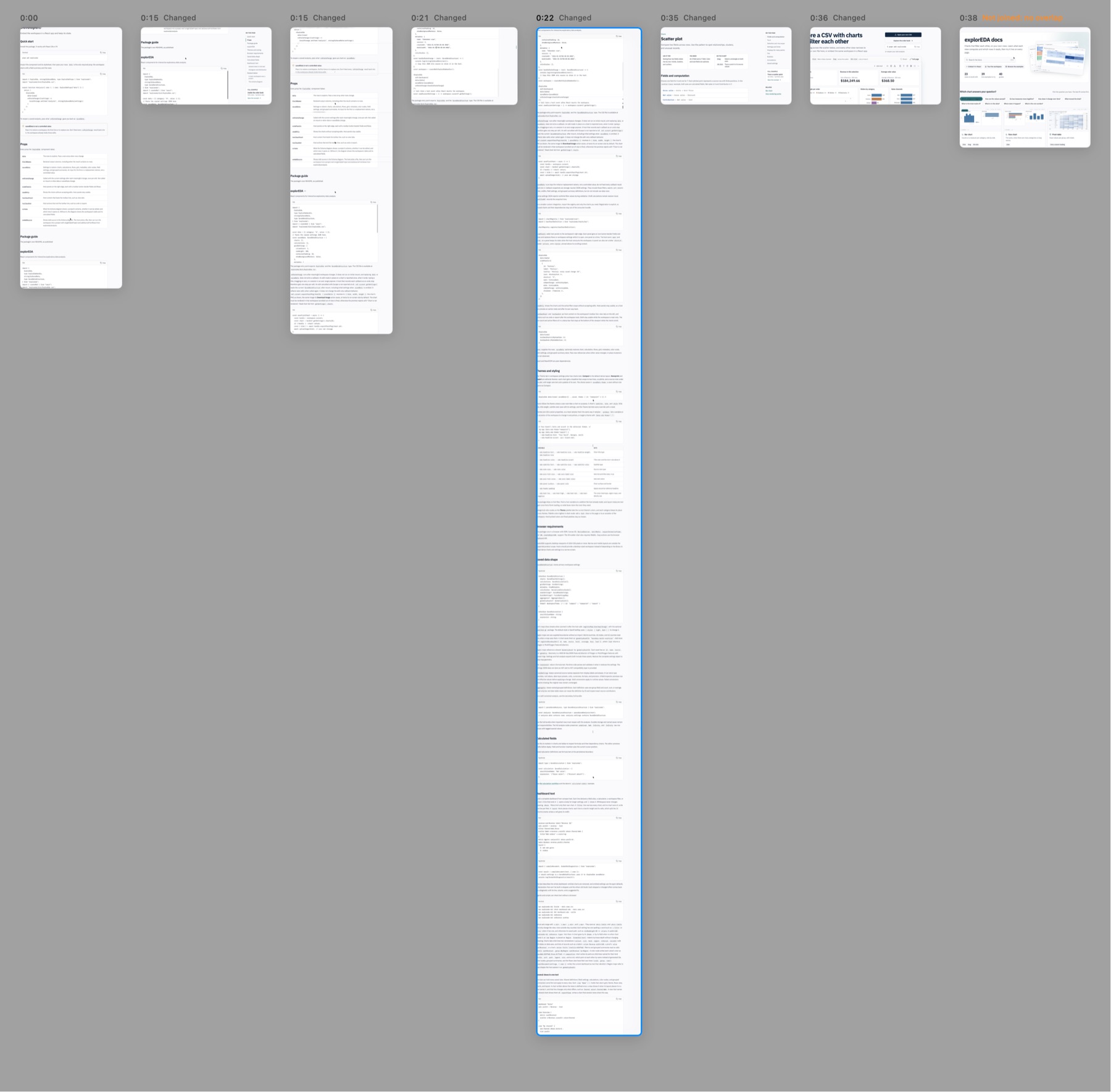
- Canvas mode turns scrolled pages into tall columns and links every pixel back to its source frame.