When I review one of my own apps, I find problems faster than I can write them down. The colors on a chart are wrong. A code sample has no syntax highlighting. A save button does nothing. My old process was manual: take a screenshot, crop it, paste it into Product Grid, type a note, and repeat for every issue.
Context Recorder replaces it. It records the screen and my narration while I use whatever app I'm reviewing. When something is wrong, I press a hotkey and keep going. Afterward, each of those moments comes back with everything needed to act on it: a frame, the app and URL, what the page was doing, and what I said around it.
A few constraints shaped it from the start. It has to work across the whole machine, not inside one browser tab. I don't want to modify my apps to make it work. Transcription has to be local. And the output should be Markdown, or go straight into Product Grid, which is built for annotated screenshots.
Recording
Three hotkeys cover recording:
| Hotkey | Action |
|---|---|
| ⌃⌥R | Start or stop recording |
| ⌃⌥M | Mark this moment |
| ⌃⌥S | Drag a region for a screenshot |
While recording, a small floating panel shows the timer, the mark count and the latest mark. The panel is left out of the video.
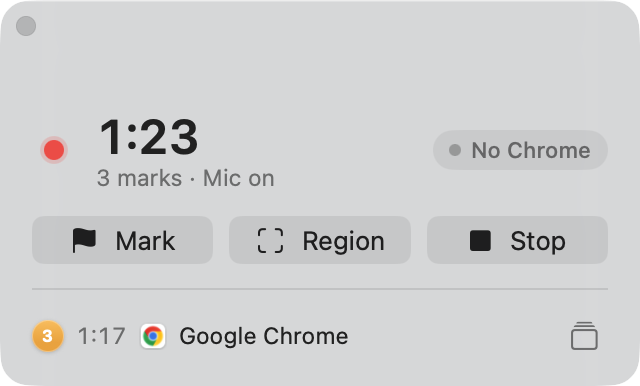
A mark is cheap on purpose. It saves the context now and pulls the actual frame from the video later. In most cases I want a dragged region rather than a full-screen capture. The full frame is saved with every mark anyway, for when I need to see what else was on screen.
The session
Stopping a recording processes it locally. Narration is transcribed with Parakeet, frames are pulled for every mark, and everything lands in one session folder. The Sessions window then lays it out: the video in the middle, the marks on the right, and one timeline underneath.
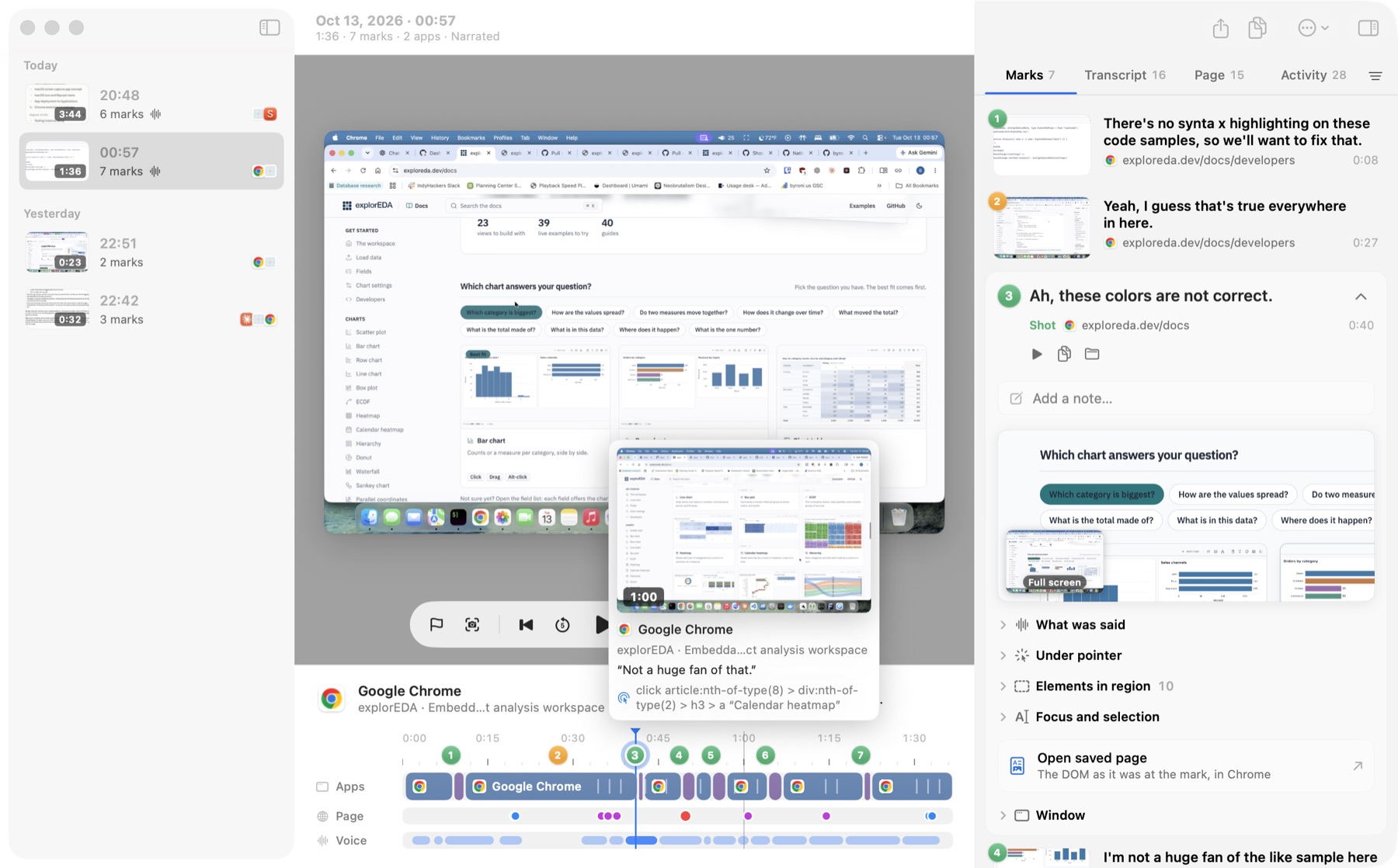
The timeline puts the active app, page events and narration on one time axis, with the marks pinned to the ruler. Hovering shows the frame at that moment, along with the app, window, what I was saying, and any click or page event nearby. I don't have to remember where something happened. I can scan for it.
A mark is titled from what I said when I made it, so "Ah, these colors are not correct" is the start of the bug report without my typing anything. A note replaces that title when I want something cleaner.
Page context from Chrome
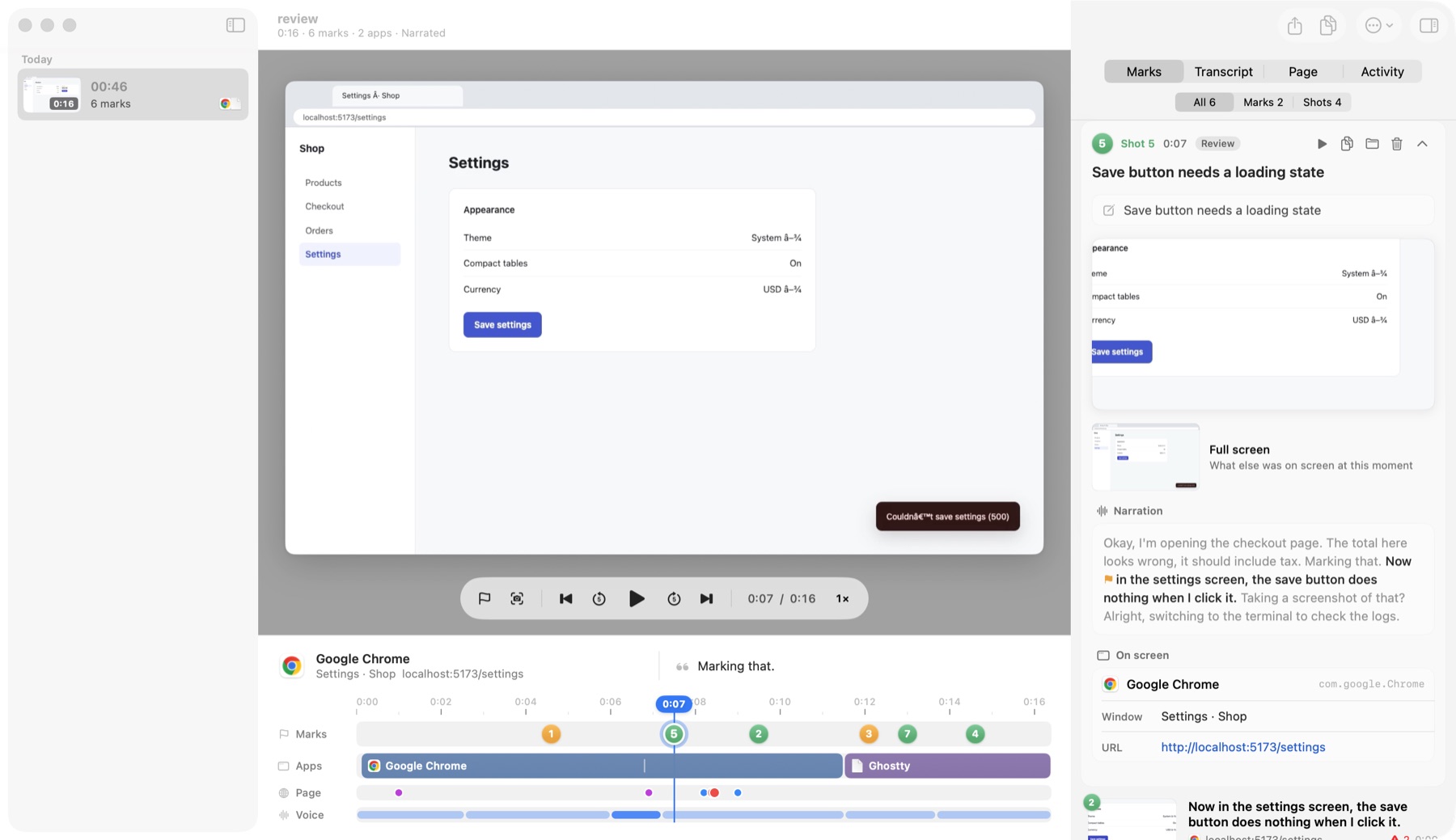
Most of what I review is web apps, so there is a Chrome extension. It doesn't require any change to the apps themselves. As I work, it logs clicks, navigation, console errors, uncaught exceptions, and failed or slow requests. When I mark while Chrome is in front, the mark also gets:
- the element under the pointer, with its selector, text and component chain;
- for dev builds, the source file and line that rendered it, when the framework exposes it;
- for a region shot, the elements inside that region;
- a saved copy of the page as it was at that moment, which opens in Chrome with DevTools.
Input values are never recorded, only which field changed.
That page context is what makes a mark useful to an agent rather than just to me. "The colors are wrong," plus a screenshot, plus the component and source file under the pointer, is close to a ticket.
After recording
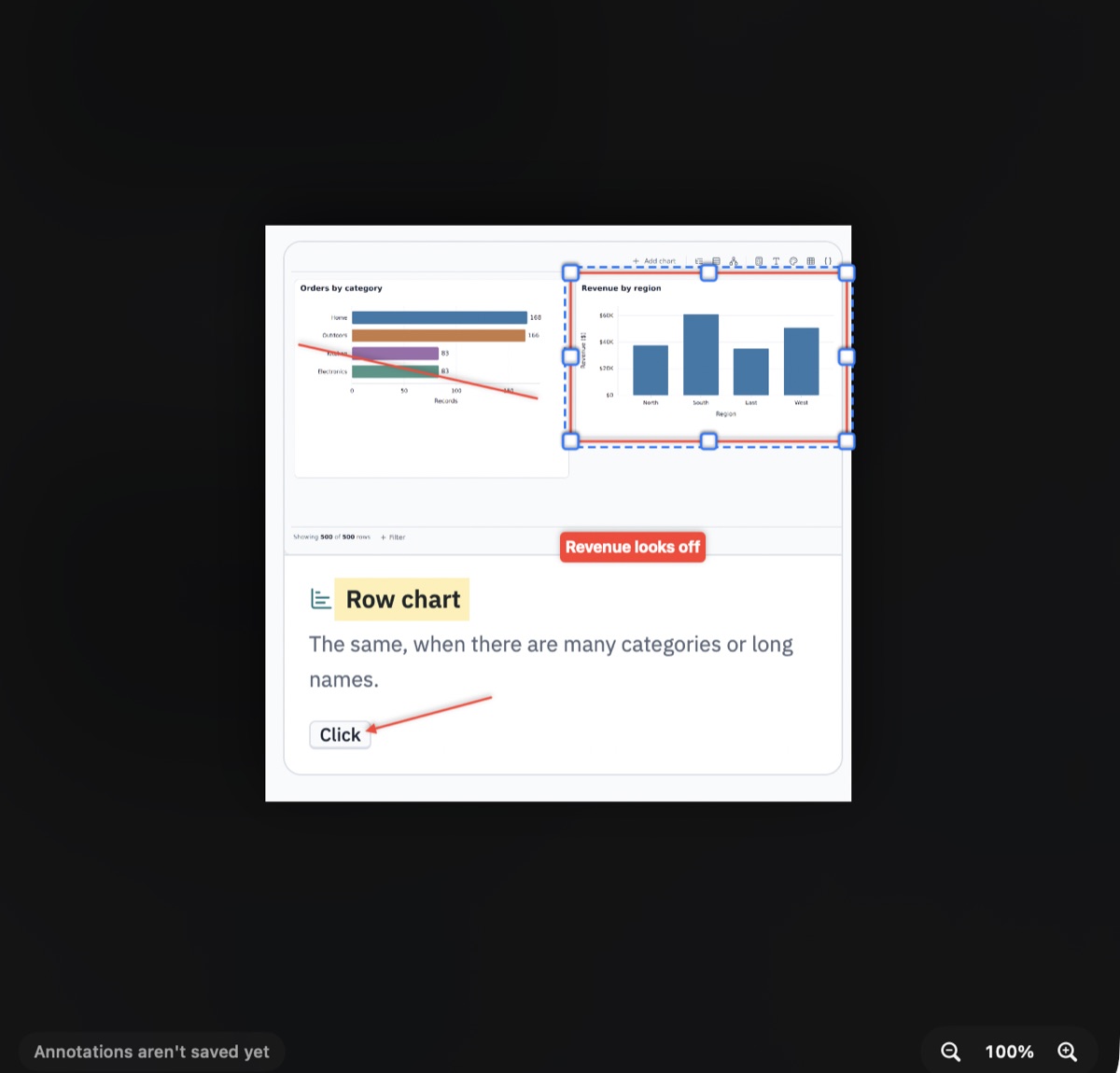
Review doesn't stop when the recording does. I can add marks and region shots from the video later, draw on a shot, cut dead time out of a session, or join two sessions into one timeline. None of that changes the original recording. Cuts and drawings are stored beside it and can be undone.
The output is plain files. Each mark gets a Markdown file with its narration window, from 20 seconds before the mark to 10 seconds after. The whole session gets one too, and Copy as Markdown puts either on the clipboard. Export to Product Grid sends the session to a project folder's grid, one node per mark, with the screenshot and full frame attached. Exporting again updates those nodes and keeps whatever I changed in the grid.
Where it stands
It is a single-monitor, Chrome-only, macOS app that I build and install locally. Within those limits, it covers the whole loop that used to be manual screenshots. The newest piece is a Canvas mode that lays a recording out in space, so a page I scrolled through becomes one tall image instead of something to scrub for.
Source: byronwall/context-recorder