 Product Grid Management
Product Grid Management, or pgm, is a workspace for product ideas, UI architecture, and implementation context. A project holds a graph of nodes, relationships, markdown notes, screenshots, and metadata. You can inspect that graph visually or read and edit it from the CLI.
The October 2026 update brings a denser interface, a packaged local viewer, an automated npm release process, and a tile icon. Read the update, including the Codex and Claude work.
- Source: byronwall/prod-mgmt-grid
- Package: @byronwallrus/product-grid-cli
Interface
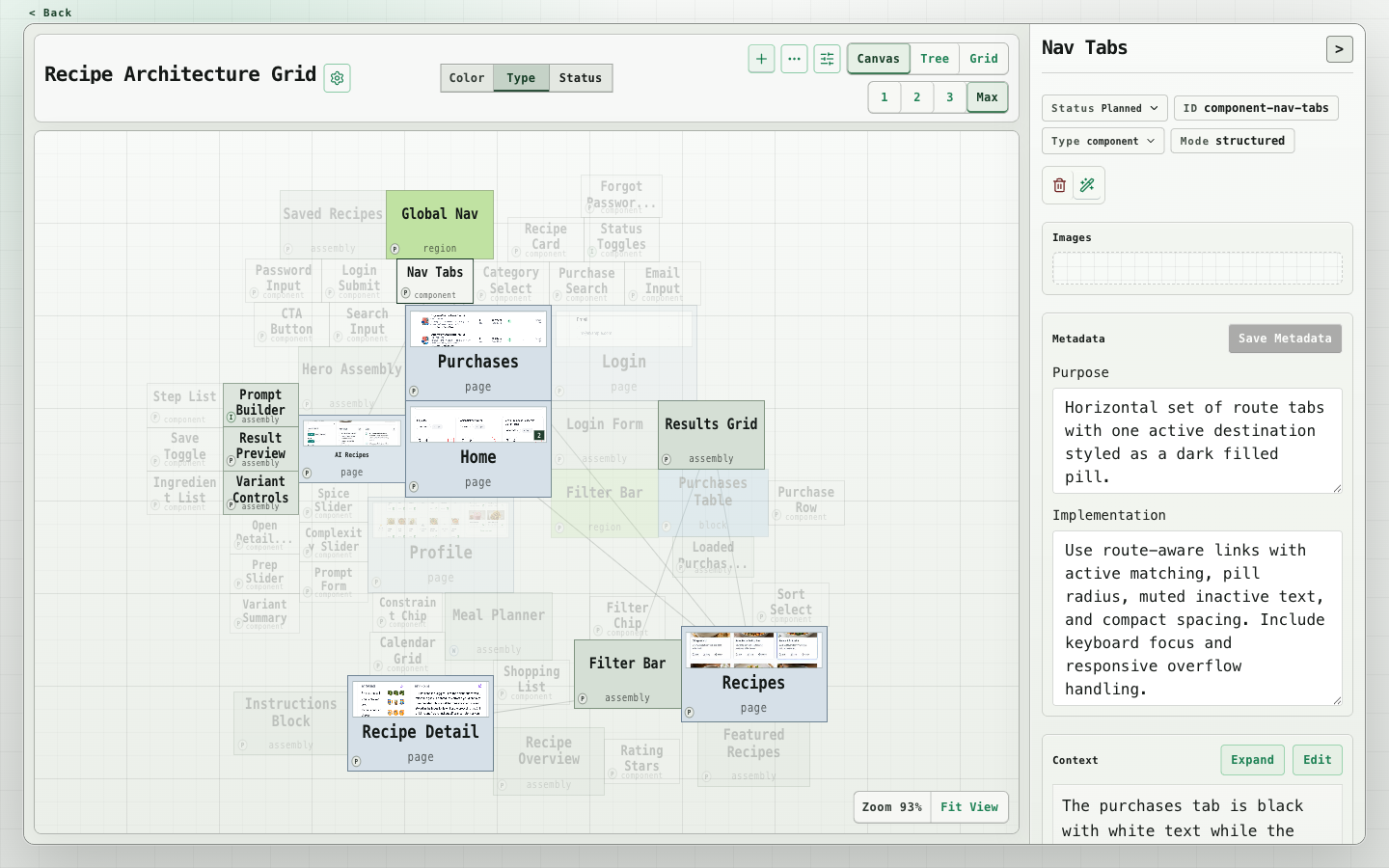
The canvas shows product structure and image previews. Selecting a node opens its notes, metadata, and relationships in a compact inspector. The header stays visible while the inspector scrolls.
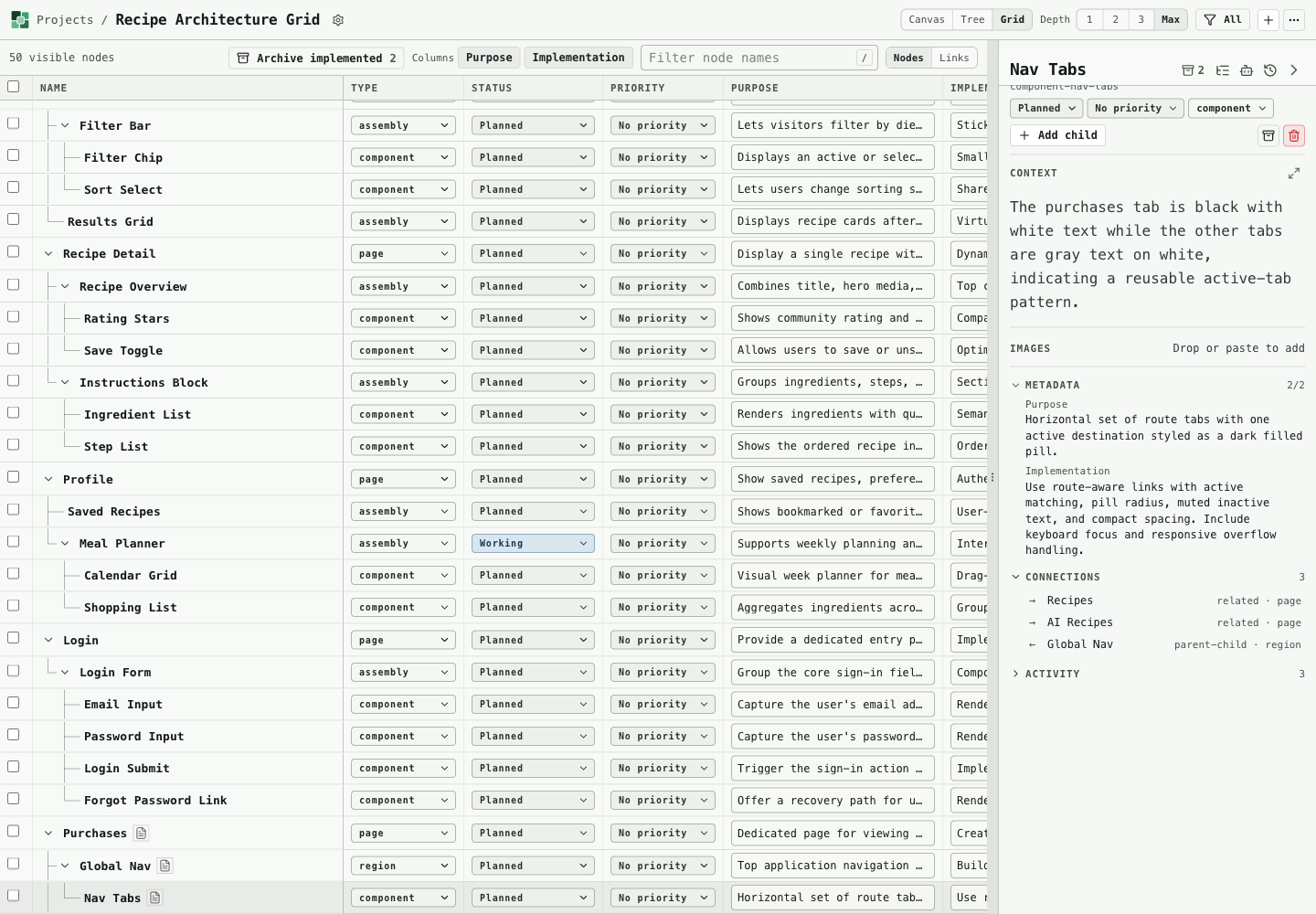
The grid provides direct metadata editing, priority and status controls, and bulk status or archive actions. Sticky headers, resizable columns, and stable selection keep larger groups manageable.
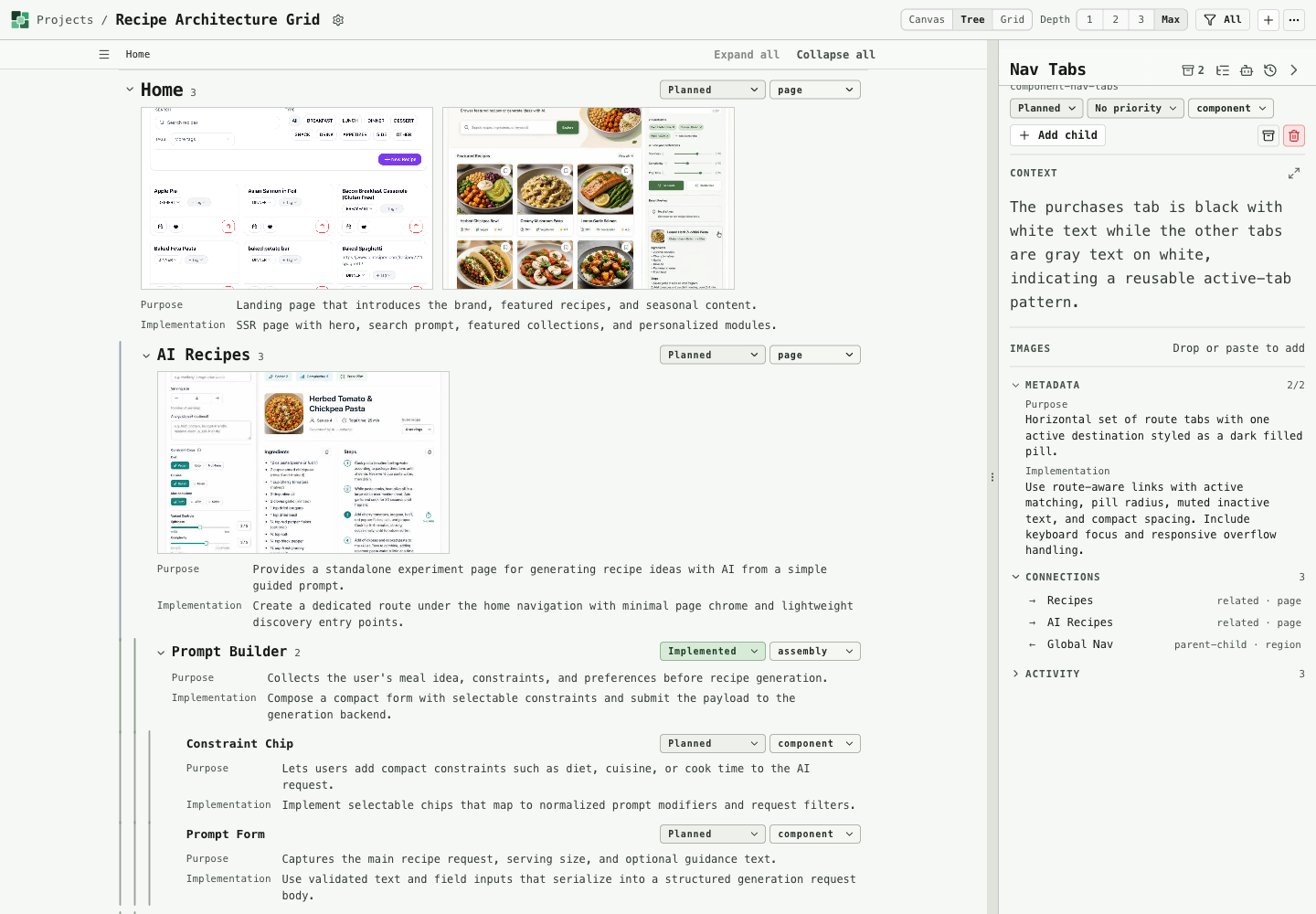
The tree is a reading view of the same data. It combines collapsible branches, notes, and larger screenshots. Its table of contents follows the active heading.
The project list provides creation, ZIP import, export, and direct access to each workspace.
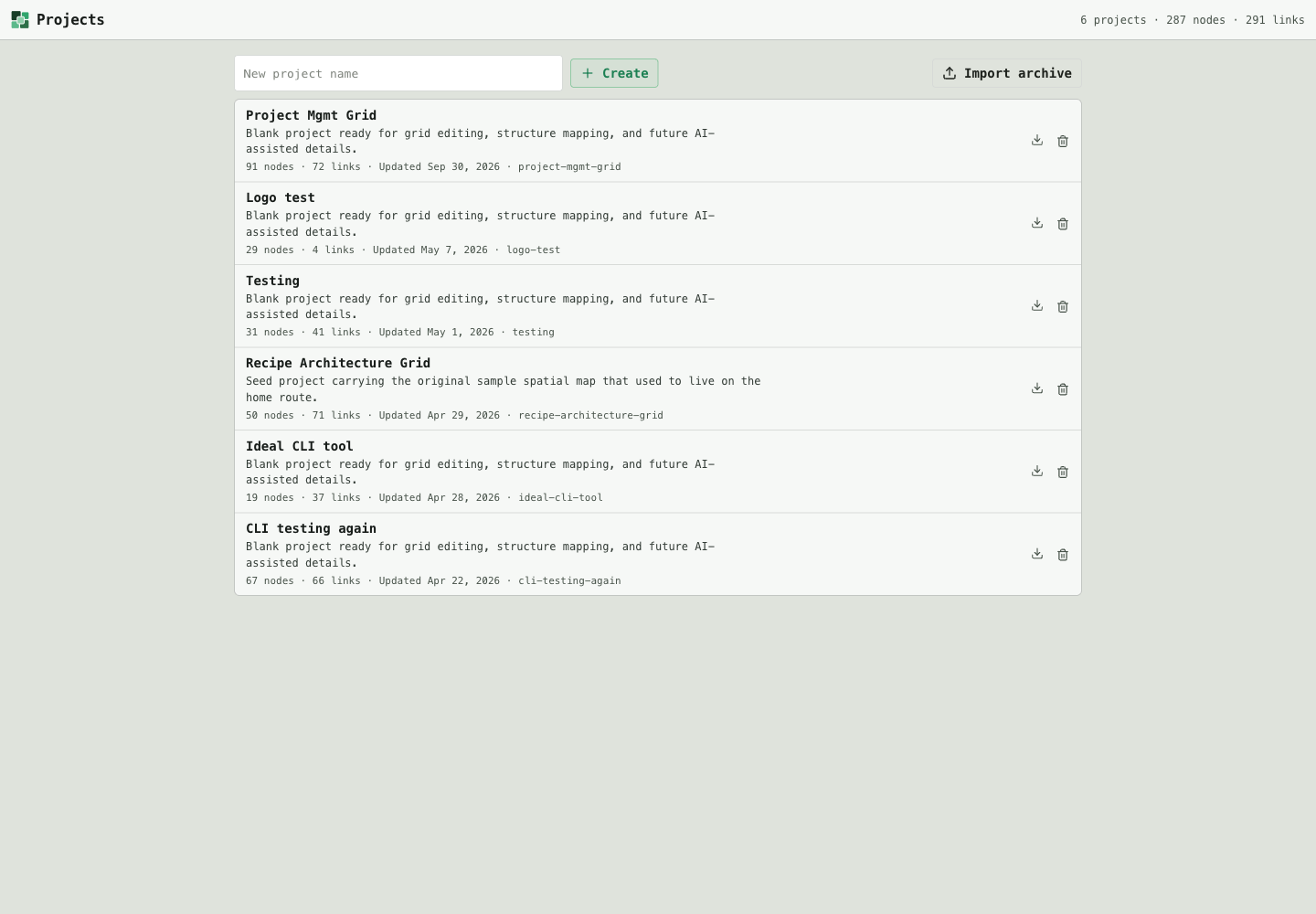
These screenshots were captured from the packaged viewer on October 4, 2026. The workspace views use a copy of the recipe architecture project.
How it works
Install the CLI with Node.js 22 or newer, then choose a local data folder:
pnpm add --global @byronwallrus/product-grid-cli
pgm viewer --data-dir ./product-grid-data
The command opens the editable viewer in a browser. Project files and images remain in that folder after the viewer stops. CLI commands use the same data with --local:
pgm project list --local ./product-grid-data --json
pgm node list --local ./product-grid-data --project <project-id> --json
Commands reuse an open viewer or start a temporary runtime when needed. CLI changes reach the viewer through live project events. Remote server access remains available through --server.
Working with agents
Codex and Claude can use the CLI to inspect project schemas, find nodes, read scoped context, update statuses, and attach screenshots. The app itself no longer calls LLM providers. Content generation happens in external tools, which write the result through the CLI.
The package includes a product-grid-context skill installer for Codex. Node context exports and context packs support focused handoffs without loading the entire graph. The inspector can also copy an agent prompt.
Highlights
- Canvas, tree, and grid views over one project graph
- URL state for filters, selection, and canvas zoom and pan
- Type, status, priority, and last-editor filters
- Markdown context, image attachments, and configurable project metadata
- Bulk status updates and archiving, with finished work hidden by default
- Serialized project writes and pending edits that survive server updates
- Project ZIP import and export
- Changesets version PRs and npm trusted publishing, with the viewer included in package checks