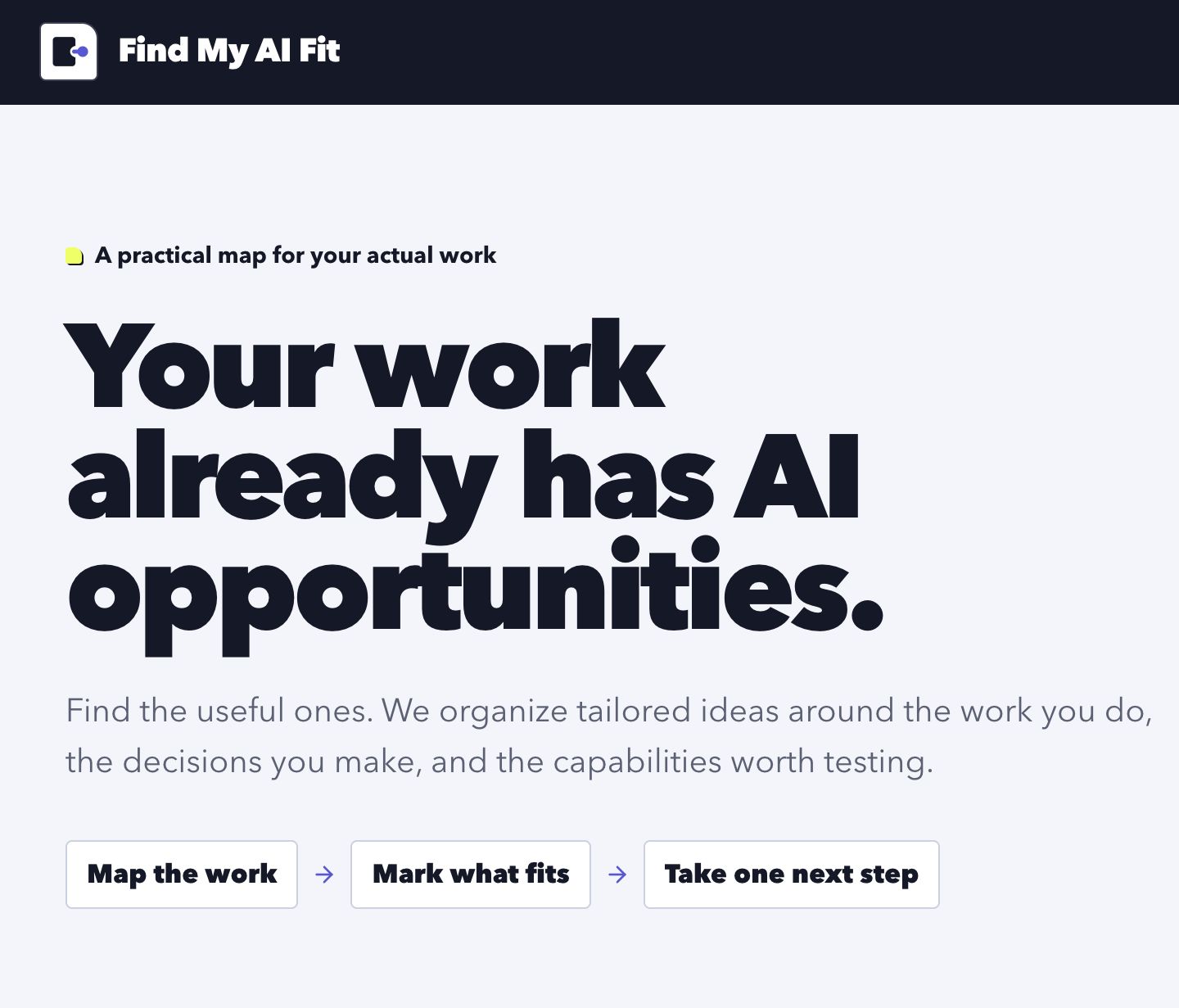
Find My AI Fit turns a LinkedIn PDF or another resume into a structured map of AI opportunities. The user scans the map, marks the ideas that fit, and gets a practical plan with a small first experiment and a prompt they can take into the AI tool they already use.
Source: byronwall/finy-my-ai-fit
Domain: FindMyAIFit.com
Interface
How it works
- Accepts a LinkedIn PDF or another resume as the starting context.
- Extracts grounded profile facts and proposes an initial set of directions.
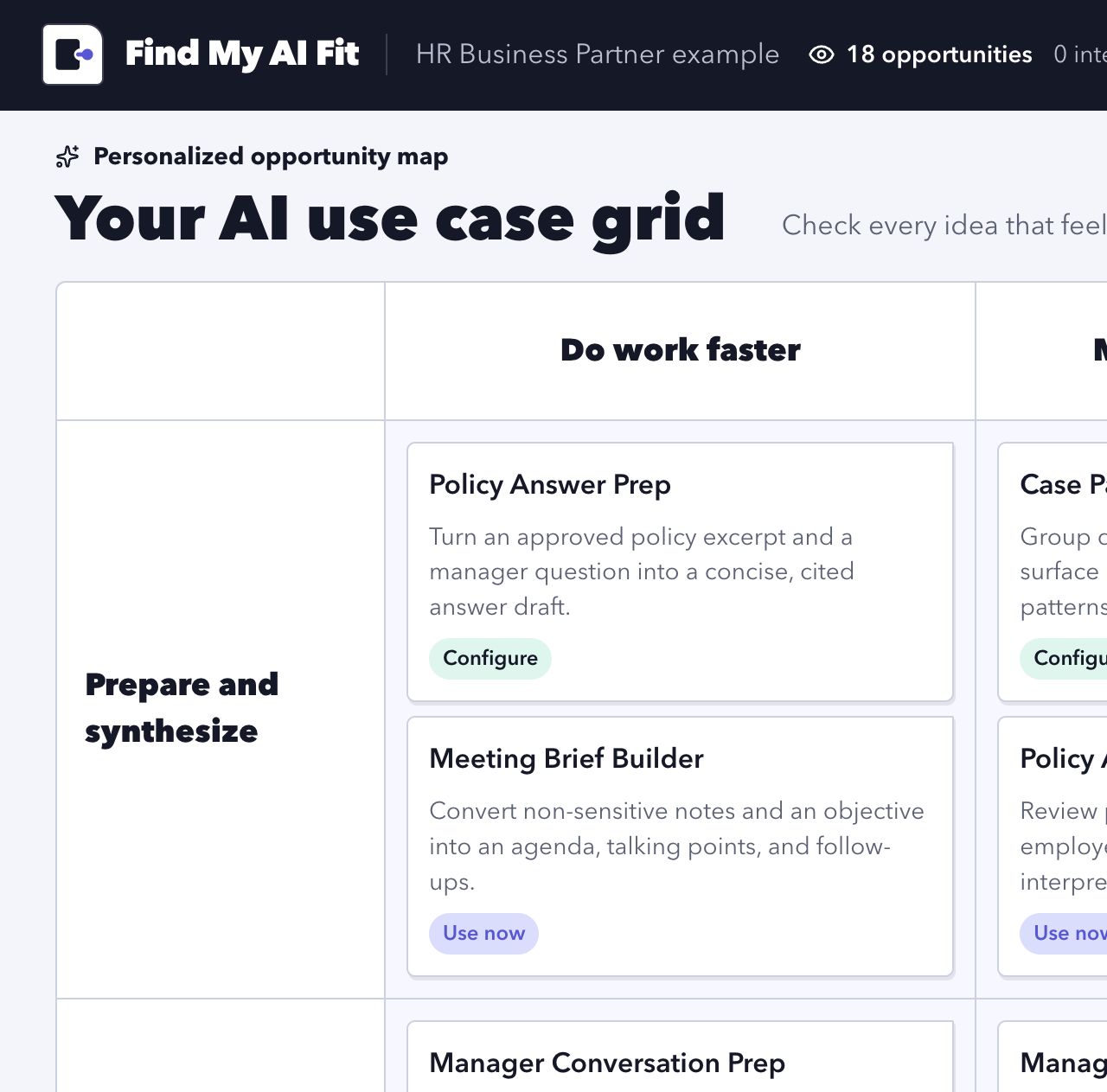
- Organizes generated ideas in a three-by-three opportunity map.
- Lets the user treat the grid as a checklist instead of a complex workspace.
- Generates a practical plan, a recommended first experiment, and a reusable prompt from the selected ideas.
- Stores model-generation traces on disk so results and prompt behavior can be inspected during development.
Highlights
- Full-page resume drop target with a no-profile example path
- Multi-stage structured generation using the Vercel AI SDK and Zod
- Stable, history-aware idea generation with guided refinement questions
- SolidStart server actions and file-backed generation records
- Responsive Panda CSS interface with a deliberately compact sticky header
- Public source, Docker Compose deployment configuration, and a self-hosted domain
Design evolution
The first implementation exposed nearly every possible action: save, hide, inspect, deepen a cell, and build a brief. Successive design passes removed most of that machinery. The core flow is now much simpler: mark interesting ideas, ask for another set when useful, then build a plan.
The accompanying post, Building Find My AI Fit from a 50-minute dictation, walks through the product and branding decisions in detail.