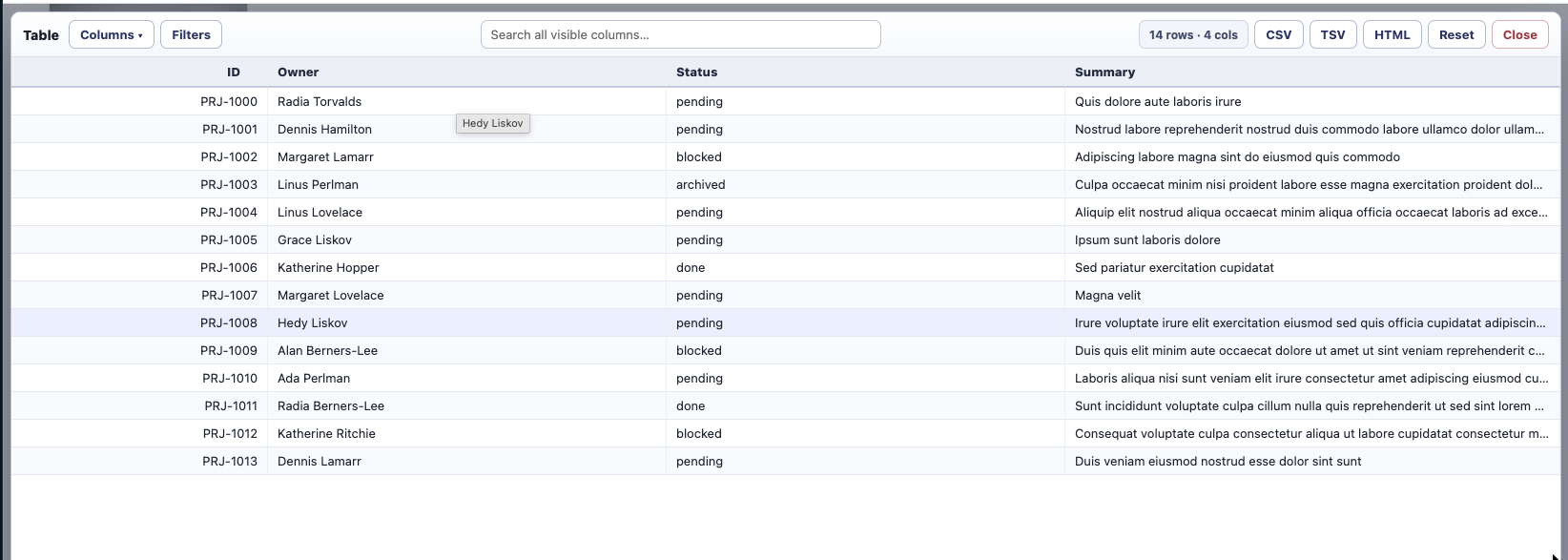
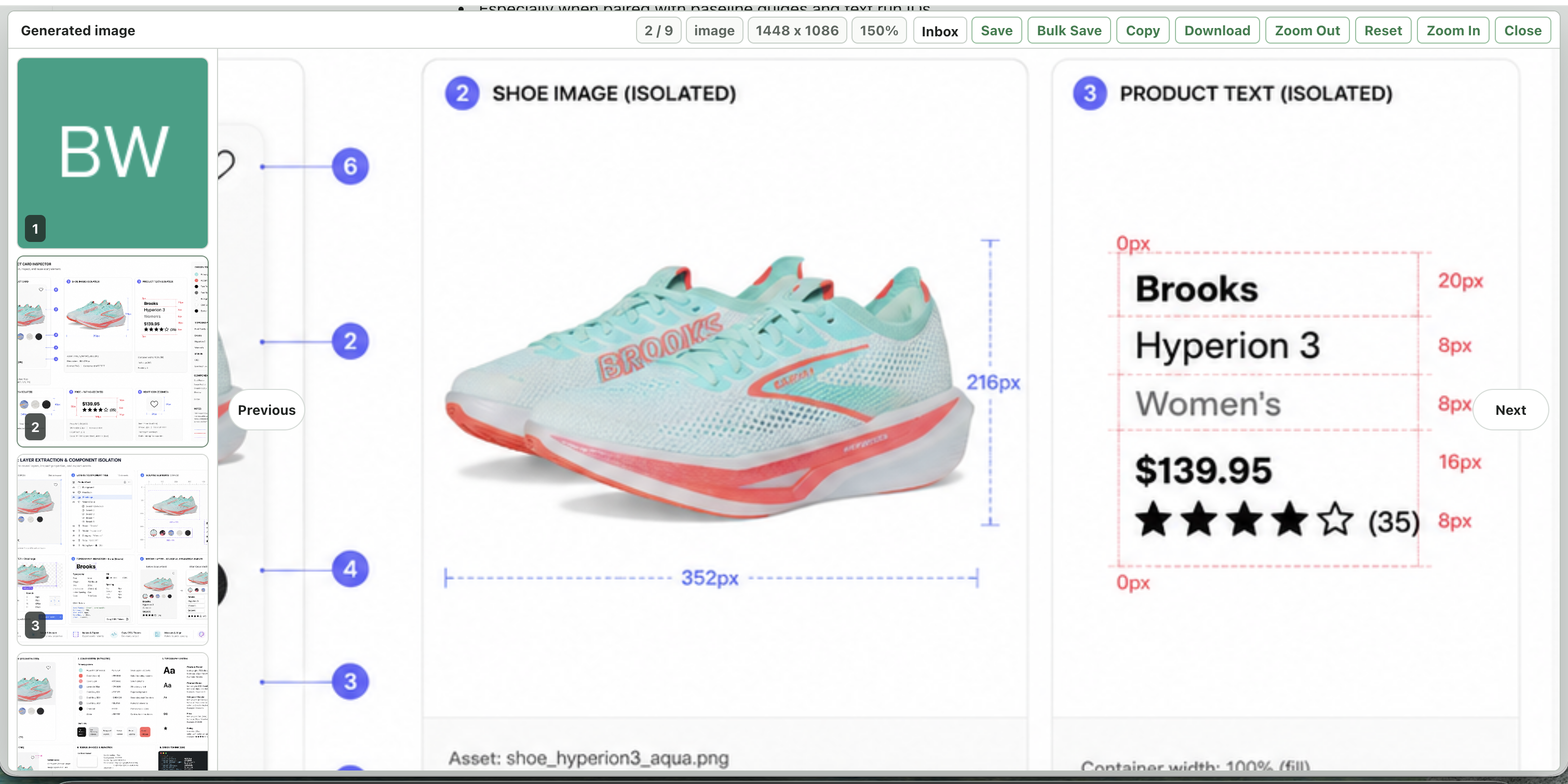
Alt Image Zoom Modal is an unpacked Chrome extension for working with images directly from any webpage. It adds a lightweight inspection layer on top of the browser: alt-click an image, open it in a modal, zoom in, pan around, move through nearby page images, and save the ones worth keeping.
- Source: byronwall/chrome-image-modal
Interface
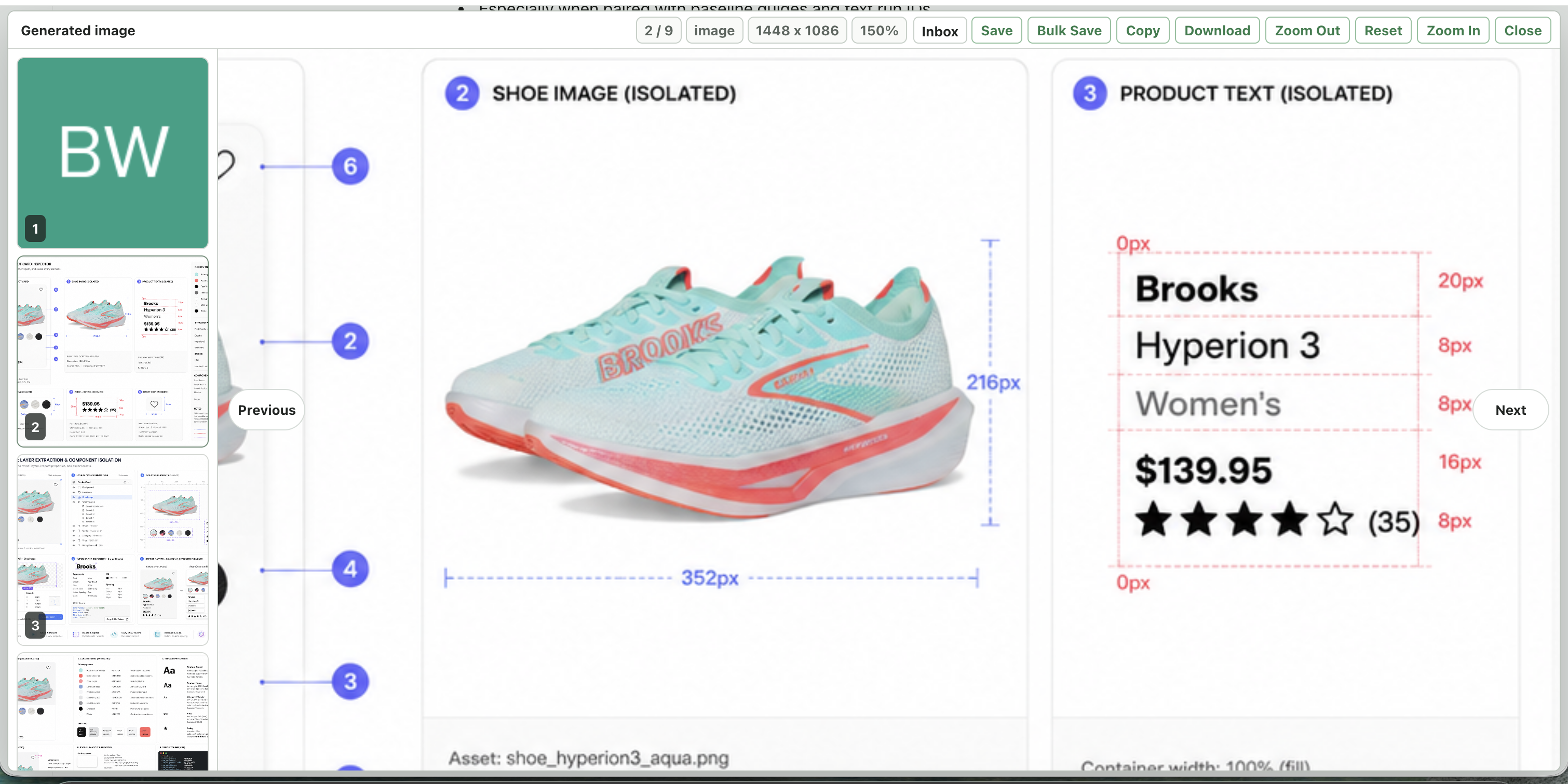
How it works
The extension collects page images and videos into a thumbnail carousel, then presents the active image in a focused viewer with fit-to-stage sizing, wheel zoom, button zoom, drag panning, double-click reset, and keyboard navigation. A grid view makes it quick to jump between candidates without returning to the source page.
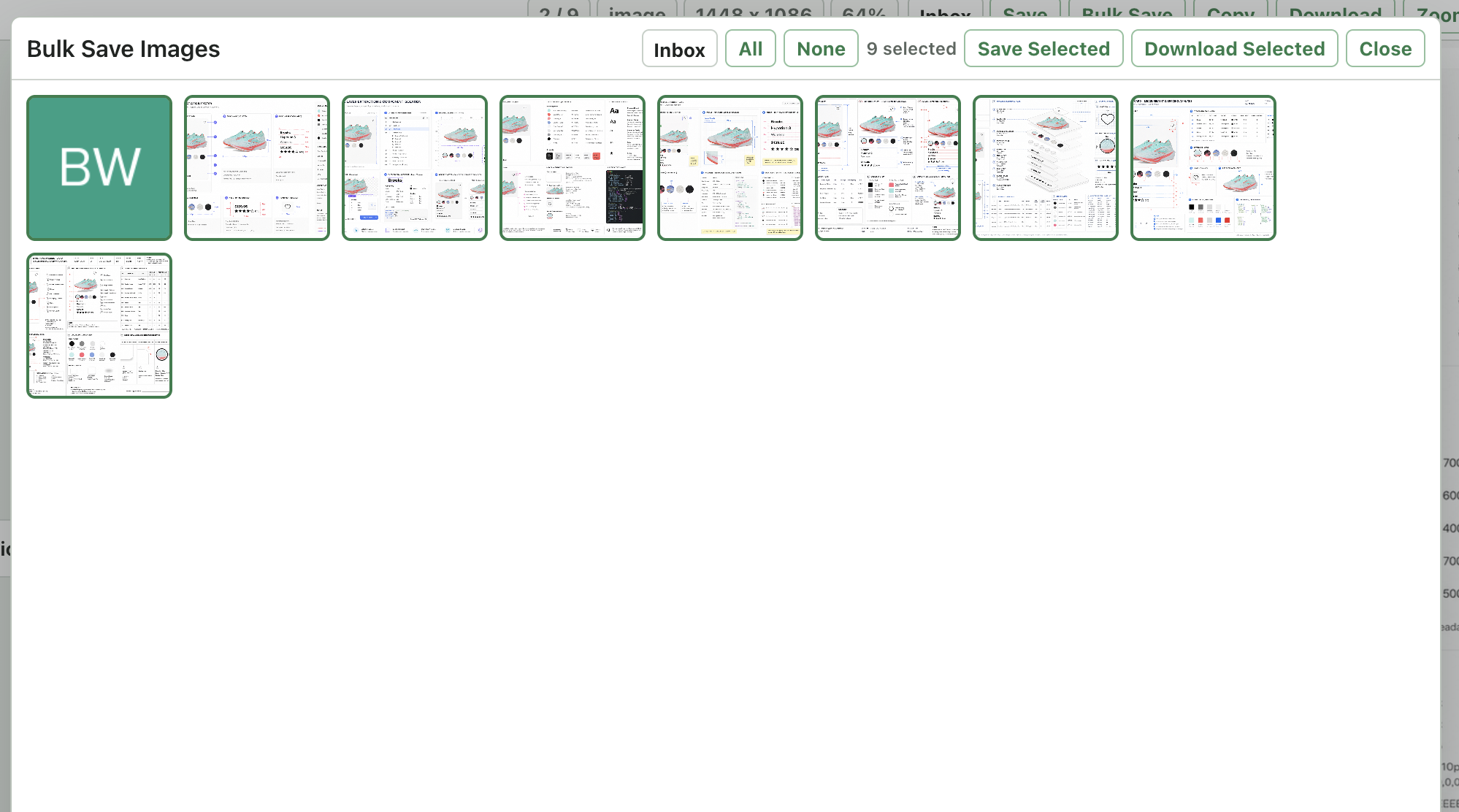
The saving workflow is built for repeated image review:
- Save the active image into extension-owned folders.
- Bulk-select page images from a thumbnail grid.
- Download one image directly or multiple images as a ZIP.
- Store image bytes in IndexedDB so saved images remain available after leaving the original page.
- De-dupe saved images within a folder using a SHA-256 content hash.
- Open saved folders in a full-tab viewer with the same pan-and-zoom interaction.
Bulk save
Highlights
- Alt-click page images to open the zoom modal
Cmd+Shift+Pshortcut for opening the best available page image- Previous and next navigation with buttons, thumbnails, and arrow keys
- Copy, download, save, and jump-to-source actions
- Folder browser for saved image sets
- Full-tab folder viewer for reviewing saved images
- No build step and no external dependencies