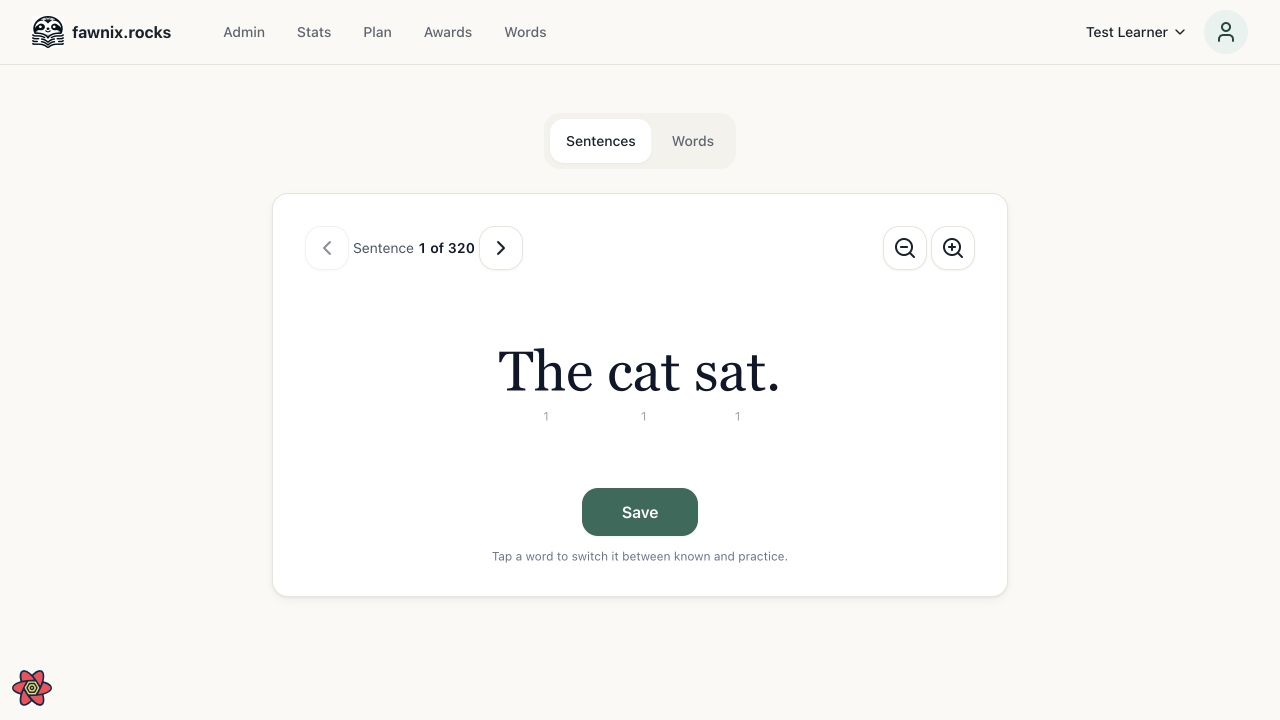
fawnix.rocks was still useful. Its deployment setup was not.
The site is a small reading application I had returned to recently. The code worked locally, but the production deployment had accumulated assumptions from an older hosting setup. When I tried to deploy it through Coolify, the build failed before the application could start.
The first visible error came from Corepack. Coolify's Nixpacks build selected Node 18.20.5 and Corepack 0.24, then tried to install with the repository's pnpm 11 lockfile. That combination failed with ERR_VM_DYNAMIC_IMPORT_CALLBACK_MISSING.
I could have kept adjusting Nixpacks settings until that one build passed. That would only fix the first failure. The application also expected a database URL, and the old remote database was no longer a useful dependency. The real problem was that too much of the runtime lived outside the repository.
I already had a deployment pattern that worked for other small applications: Docker Compose, a pinned Node and pnpm toolchain, and application data stored in a named volume. The shortest path back to a working site was to port that known stack.
Put the runtime in the repository
The new Dockerfile has three jobs:
- Install dependencies with Node 22 and pnpm 11.9.0.
- Build the Next application.
- Start a small runtime image on port 3000.
The Compose file adds the environment variables and one persistent volume:
services:
  app:
    build:
      context: .
      dockerfile: Dockerfile
      target: runtime
    restart: unless-stopped
    environment:
      DATABASE_URL: file:/app/data/db.sqlite
    volumes:
      - kids-reading-data:/app/data

volumes:
  kids-reading-data:
This is intentionally a one-service stack. For a personal application on one server, I did not need to deploy Postgres, add a database network, or create another backup system before the site could run. The application already used Prisma and already had a SQLite schema with migrations. Reusing that path was simpler than inventing JSON persistence or reviving the old remote database.
The named volume changes the important part. Containers can be replaced during deploys, while /app/data/db.sqlite remains in place. It does not protect the database from losing the whole server, but it handles the actual problem here: routine image replacement should not erase application data.
Make a new container able to start itself
A deployable image is not enough if it still needs a manual database setup step.
The container now runs three commands in order:
prisma migrate deploy
tsx scripts/curriculum-sync.ts --apply
next start
That gives a new volume a complete path from empty disk to running application. Prisma creates the schema from the existing migrations. The curriculum sync loads the reading plans, lessons, sentences, and words. Only then does Next start accepting traffic.
The local Docker smoke test passed. It created a new SQLite file, applied all 22 migrations, loaded the curriculum, and served both the home page and /plan.
The build also exposed one unrelated assumption. An OpenAI client was created when its module loaded, which made the Next build fail while collecting page data if the API key was unavailable at that stage. Creating the client only when a generation request occurs removed that build-time dependency without adding a fallback path.
A finished deploy can still be a dead site
The first Compose deployment built successfully. Coolify reported it as finished and started the container. The site was still not running.
The application logs showed a restart loop. Migrations completed, but the curriculum import failed inside Prisma's default five-second interactive transaction. The same sync had worked locally because my machine completed it faster. On the server, it crossed the timeout while updating lessons.
This was not a reason to split the importer into a job system. The importer was already one bounded transaction and completed in about ten seconds when given enough time. I raised that transaction's timeout to 60 seconds for both real and dry-run syncs, then ran the existing curriculum tests.
All 12 tests passed. On the next deploy, the container applied the migrations and completed the import:
| Content | Added |
|---|---|
| Plans | 3 |
| Chunks | 16 |
| Lessons | 48 |
| Sentences | 545 |
| Words | 959 |
The full sync added 1,571 records and left 3,448 existing words unchanged. Next started 350 milliseconds later.
Restore the proxy route too
One last boundary was still broken. The application was healthy inside its container, but the public URL returned Coolify's plain 404 response.
Switching the build pack from Nixpacks to Docker Compose had cleared the domain mapping for the app service. Coolify knew the domain and knew the container, but it no longer knew that HTTPS traffic for reading.apps.byroni.us should reach port 3000 inside that container.
I restored that service-domain mapping and redeployed once more. Coolify rebuilt the proxy labels, issued a valid certificate, and routed traffic to the application. The public home page and /plan both returned 200 and rendered correctly in Chrome.
What the known stack bought me
Docker did not fix a mysterious application bug. It made the runtime explicit enough to find each real problem.
The Node version, pnpm version, build command, startup sequence, database location, persistent storage, internal port, and public route now have visible owners. Most of those choices live in the repository. The remaining route and secrets live in Coolify, where they belong.
That is the useful part of a known stack. It is not that Docker Compose is universally better than a generated build pack. It is that I already understand this deployment shape, I use it elsewhere, and it is small enough to inspect from source code to public response.
For this site, SQLite on one persistent volume is good enough. If the application becomes important enough to need server-loss recovery, the next step is a volume backup. It is not a database rewrite.