I wanted one simple control: click a toolbar button, pick the media player on the page, and choose a playback speed. The useful range for me goes up to 3×. I did not need a settings page or a larger media tool.
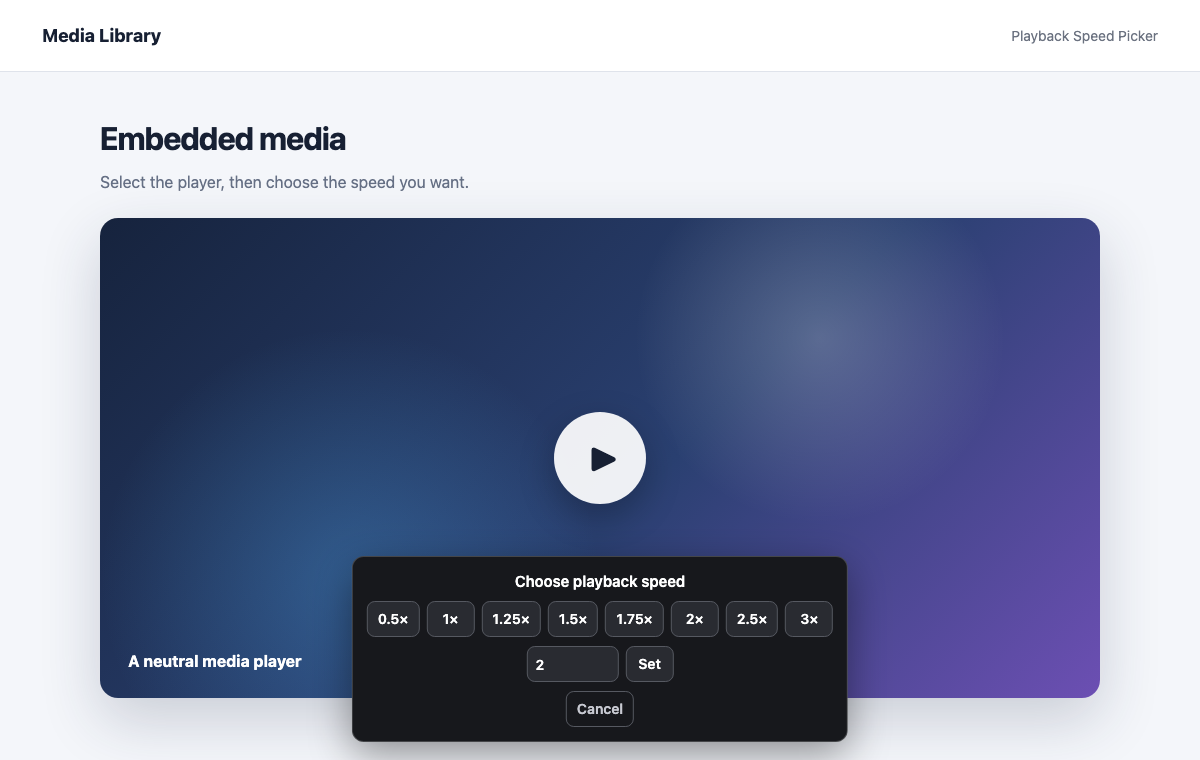
My first attempt was a bookmarklet. It worked when the media belonged to the main page. It stopped working when the player lived inside an iframe from another origin. The picker could outline the iframe, but browser security kept the bookmarklet from reaching the media inside it.
The fix was a small Manifest V3 Chrome extension. Its toolbar button starts the picker in each permitted frame. I can hover over a video, audio element, or a container around one, click it, and then choose the speed from a compact panel. The extension updates both the current and default playback rates, with a maximum of 3×.
I kept the permissions limited to the sites where I need the control. The extension does one thing, stays out of the way until I click it, and works well. That is probably enough.